
How to Implement Workflow Execution Systems in 2026

Workflow execution systems are defined as software platforms that automate, coordinate, and track task sequences across teams without requiring manual handoffs at each step. Operations managers who implement workflow execution systems cut follow-up time, reduce data entry errors, and give every stakeholder a clear view of process status. The industry term for the underlying technology is workflow orchestration, and understanding it separates teams that execute reliably from those that chase status updates all day. EasyFlow is one platform built specifically to run these processes end to end, including for external collaborators who never need to create an account.
What does it take to implement workflow execution systems?
Every reliable workflow execution system rests on three core components: a workflow engine, a state store, and an orchestration framework. The workflow engine is the runtime that reads process definitions and triggers activities in the correct order. The state store persists progress so a workflow can survive a server restart or network failure. The orchestration framework ties both together and exposes the APIs your team uses to define, start, and monitor processes.
Infrastructure choices matter more than most teams expect. Redis with actorStateStore enabled is the recommended configuration for high-throughput, low-latency state management in distributed workflow systems. That specific setting tells the backend to treat workflow state as actor state, which unlocks the concurrency model the engine needs to handle parallel tasks without locking conflicts.

The table below compares the core feature categories you should evaluate before selecting or building a workflow execution platform.
| Feature category | What to look for |
|---|---|
| Orchestration | Support for parallel execution, conditional branching, and sub-workflows |
| State management | Durable persistence with low-latency reads and writes under concurrent load |
| Monitoring | Built-in metrics export (e.g., Prometheus) with p99 latency visibility |
| Error handling | Automatic retry policies, compensation patterns, and dead-letter queues |
| Integration | Native connectors or webhooks for external systems and collaborators |
Key configuration settings to verify before going live:
- Worker concurrency limits set to match your expected parallel task volume
- Latency monitoring enabled and connected to an alerting system
- State backend confirmed as the correct type for your orchestration framework
- Payload size limits defined to prevent oversized data from entering the state store
How do you design and execute workflows efficiently?
The most reliable workflow designs use event sourcing and deterministic replay. Durable execution models reconstruct process state from an event log rather than storing a snapshot, which means a workflow can survive infrastructure failures and resume exactly where it stopped. This approach is now the standard for any process that runs longer than a few seconds.
Replace sequential chains with parallel execution
Sequential task chains are the single biggest throughput killer in workflow design. Converting sequential activity chains to fan-out parallel execution using constructs like Task.WhenAll dramatically improves concurrency and overall system throughput. The practical rule: if two activities do not depend on each other’s output, run them at the same time.
Keep workflow history small
Workflow history grows every time an activity completes and logs its result. Externalizing large payloads to object storage and passing only a reference between activities prevents state store bloat. A bloated history slows every subsequent read and write the engine performs, compounding latency across the entire process.
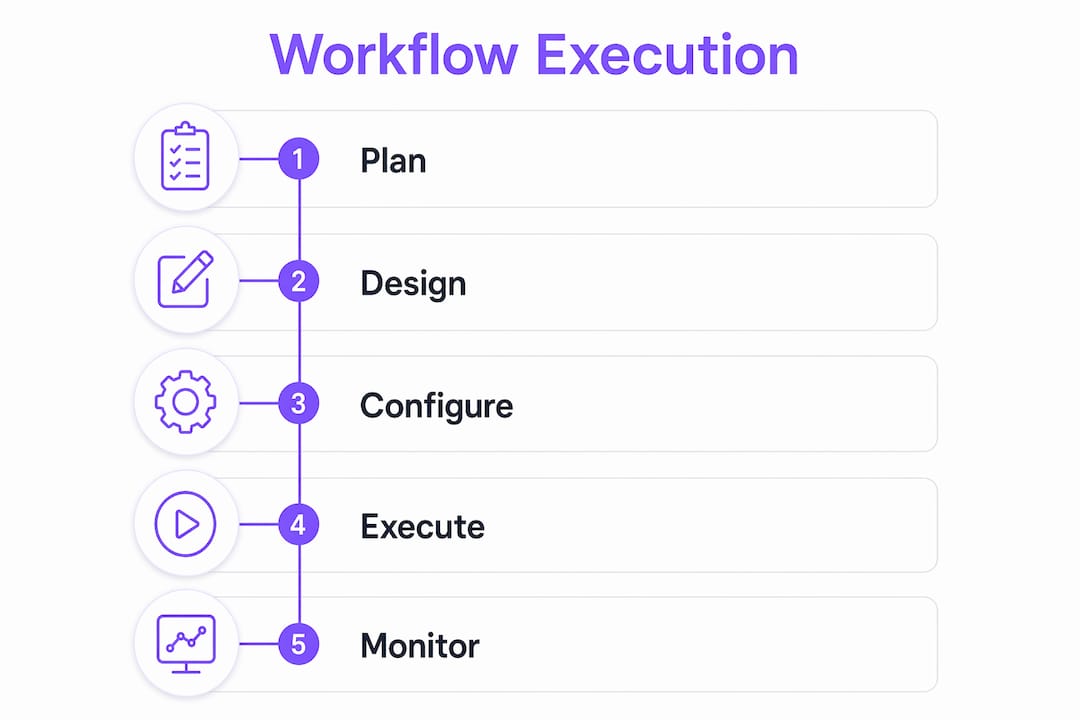
Implementation steps from planning to deployment
- Map your current process. Document every manual step, decision point, and handoff. Identify which steps cause the most delays or errors.
- Define your workflow schema. Translate the process map into a formal definition: activities, triggers, conditions, and expected outputs for each step.
- Choose your infrastructure. Select a workflow engine, configure your state backend, and set worker concurrency to match your expected load.
- Build and test activities in isolation. Each activity should be a single, testable unit. Verify it handles failure and retry correctly before wiring it into the full workflow.
- Implement parallel execution. Replace any sequential chains where tasks are independent. Measure throughput before and after to confirm the gain.
- Add durable timers for long-running steps. Use the engine’s built-in timer support for steps that wait on external input, approvals, or scheduled events.
- Deploy to a staging environment. Run the full workflow end to end with realistic data volumes. Check state store size and latency under load.
- Enable monitoring and set alert thresholds. Connect Prometheus or an equivalent tool before going to production. Define what a regression looks like so you catch it early.
- Go live and iterate. Launch with a limited scope, measure real-world performance, and refine concurrency settings and payload handling based on actual data.
Pro Tip: Design compensation patterns before you need them. Every workflow that modifies external systems needs a defined rollback path. Building it after a production failure is far more expensive than building it upfront.
Workflow templates are a practical shortcut for steps 1 and 2. Pre-built templates encode proven process structures, which means your team spends less time debating schema and more time configuring for your specific context.
What are the most common workflow performance problems?
The most frequent cause of poor workflow performance is an untuned state store backend. Untuned state store backends cause severe latency bottlenecks that compound as workflow volume grows. Most teams discover this after launching in production, not during testing, because test data volumes rarely expose the problem.
Monitoring as a first-class practice
Monitoring p99 latency with Prometheus gives you early warning of performance regressions before they affect operations. P99 latency measures the slowest 1% of requests, which is where real-world bottlenecks first appear. Tracking only average latency hides the tail behavior that breaks user-facing processes.
Common mistakes operations teams make and how to avoid them:
- Running everything sequentially. Audit your workflow definitions for independent activities and convert them to parallel execution.
- Storing large data in the state store. Move files, reports, and large JSON payloads to object storage. Pass the storage reference, not the object.
- Ignoring worker concurrency settings. Default concurrency limits are conservative. Tune them based on your actual task profile and infrastructure capacity.
- Skipping staging load tests. Always test with production-scale data volumes before going live. Latency problems are invisible at low volume.
- No alerting on workflow failures. Silent failures accumulate. Set up alerts on dead-letter queues and failed workflow instances from day one.
Pro Tip: Add automated result verification as a final activity in every workflow. Checking that outputs meet expected criteria before marking a workflow complete catches errors that would otherwise require manual review downstream.
Workflow compliance is another dimension teams overlook during initial implementation. Compliance checks built into the workflow itself are far more reliable than post-hoc audits.
How do dynamic and agentic workflows change what’s possible?
Dynamic workflows represent a meaningful shift in what workflow automation can handle. Instead of following a fixed activity graph, a dynamic workflow breaks tasks into parallel subagents at runtime based on the actual work to be done. Each subagent handles a discrete piece of the problem, and the orchestrator collects and verifies results before integrating them into a final output.
Automated verification of workflow results before final output integration is the feature that makes dynamic workflows production-safe. Without it, parallel subagent execution produces outputs that require manual review, which eliminates most of the throughput gain. With automated verification, the workflow itself confirms accuracy and only surfaces exceptions that genuinely need human attention.
The practical impact on operations teams is significant. Complex engineering reviews, multi-party client onboarding processes, and large-scale data reconciliation tasks all benefit from dynamic execution. The workflow adapts to the actual scope of the work rather than forcing every instance through the same fixed path. Cost scales with usage rather than with a fixed infrastructure footprint, which makes dynamic workflows accessible for teams that cannot justify dedicated compute for every process type.
Team alignment improves when workflows adapt dynamically because every stakeholder sees a process that reflects the real state of the work, not a rigid template that may not match the current situation.
Key Takeaways
Implementing workflow execution systems requires the right infrastructure, parallel execution design, and continuous monitoring to deliver lasting operational gains.
| Point | Details |
|---|---|
| State store configuration | Configure Redis with actorStateStore enabled before launch to avoid latency bottlenecks under load. |
| Parallel over sequential | Replace independent sequential activities with fan-out parallel execution to increase throughput. |
| Externalize large payloads | Store large data in object storage and pass only references to keep workflow history lean and fast. |
| Monitor p99 latency | Track tail latency with Prometheus from day one to catch regressions before they affect operations. |
| Dynamic workflows scale | Agentic, parallel subagent execution with automated verification handles complex processes that fixed graphs cannot. |
The part most teams get wrong about workflow implementation
Teams consistently underestimate the operational cost of a poorly configured state backend. I have seen operations teams spend weeks debugging mysterious slowdowns only to discover the fix was a single configuration flag on their Redis instance. The technology works, but it only works when the infrastructure beneath it is set up correctly.
The second mistake I see repeatedly is treating monitoring as optional. Latency metrics are not a nice-to-have. They are the only way to know whether your workflow system is healthy before your team starts complaining about delays. Set up Prometheus or an equivalent tool before you go live, not after.
The most important balance to strike is between automation and human oversight. Dynamic workflows are powerful, but every automated decision point needs a defined escalation path for cases the system cannot resolve. The teams that get this right build workflows that handle 90% of cases automatically and surface the remaining 10% to the right person immediately. That is the design worth building toward.
— Harsh
EasyFlow makes workflow execution practical for operations teams
Operations managers who want to move from manual process management to automated execution need a platform that actually runs processes, not just tracks them. EasyFlow does exactly that, including for external collaborators who participate via magic links without creating accounts.

EasyFlow handles team handoffs, client onboarding, and multi-step approvals without the friction of traditional project management tools. You can start running workflows for free and see the difference between a system that tracks tasks and one that executes them. For teams ready to cut follow-ups and give every stakeholder clear process visibility, EasyFlow is the practical next step.
FAQ
What is a workflow execution system?
A workflow execution system is a platform that automates task sequences by triggering, tracking, and completing activities without manual handoffs. It uses a workflow engine and state store to maintain process continuity even across failures.
How do I choose the right state backend for workflow execution?
Redis configured with actorStateStore enabled is the recommended choice for high-throughput, low-latency workflow state management in distributed systems. The specific configuration unlocks the concurrency model required for parallel task execution.
What is the fastest way to improve workflow throughput?
Converting sequential activity chains to parallel fan-out execution using constructs like Task.WhenAll delivers the largest throughput gains. Independent activities should always run concurrently rather than one after another.
How do dynamic workflows differ from standard workflows?
Dynamic workflows break tasks into parallel subagents at runtime based on actual work scope, rather than following a fixed activity graph. Automated result verification before final integration makes them production-safe without requiring manual review.
Why does p99 latency matter more than average latency?
P99 latency captures the slowest 1% of requests, which is where real bottlenecks first appear in production. Average latency masks tail behavior, so teams that track only averages miss the performance problems that affect real users.