
Top 3 amwork.com Workflow Automation Alternatives 2026
Finding workflow automation that cuts login friction and manual follow-up for operations teams is often too difficult. Most tools force all collaborators to create accounts, making external participation slow and increasing task handoff delays. This comparison details login requirements, pricing, and workflow depth so operations teams can match a tool to their external collaboration needs.
Table of Contents
EasyFlow
At a Glance
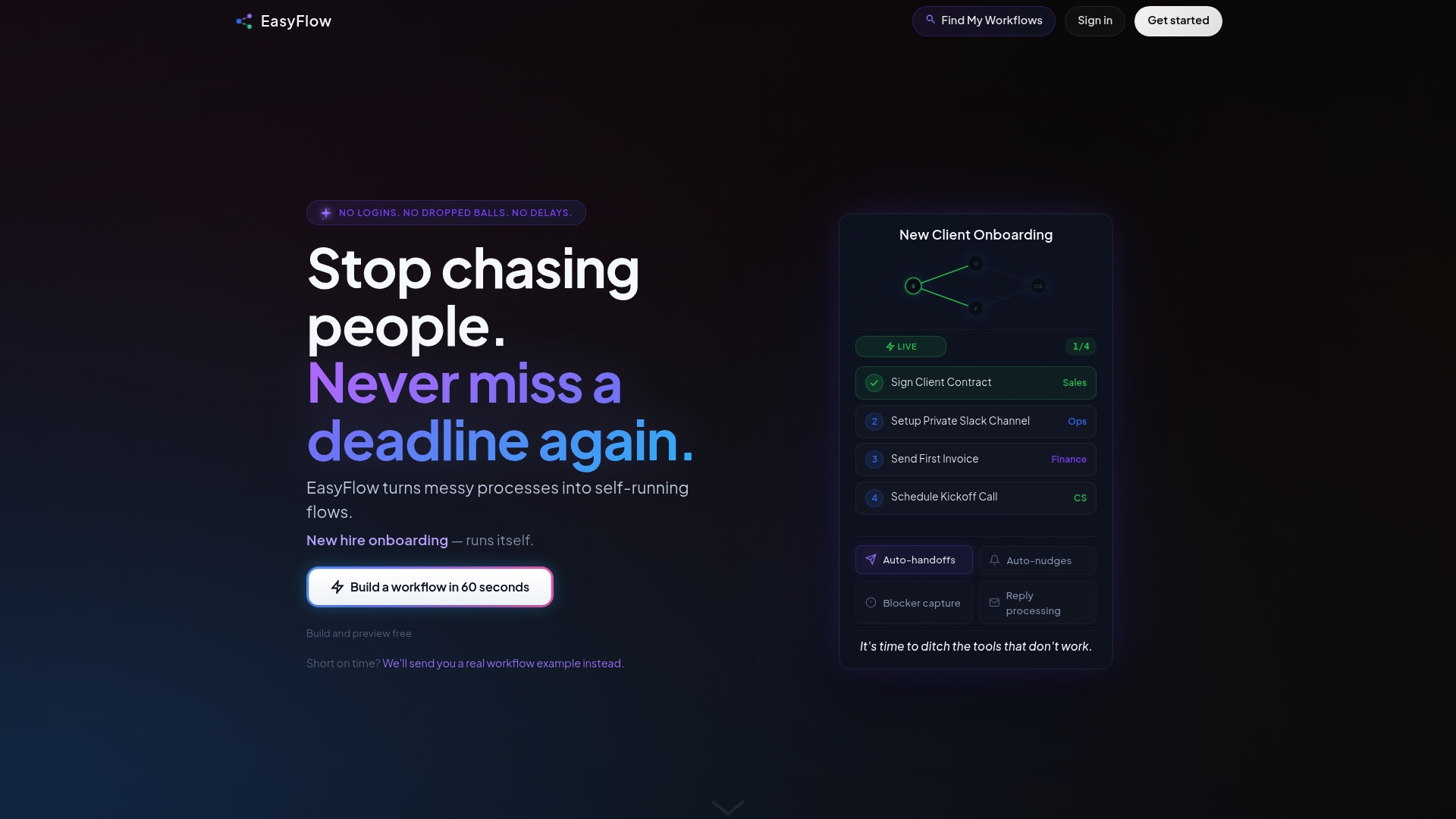
External collaborators complete tasks by clicking links without creating accounts. This removes the usual login friction that slows approvals and client handoffs. The platform preserves a live history for audit and review while running workflows automatically.
Core Features
EasyFlow runs process execution with assigned owners, dates, dependencies, and blocker detection, and it includes pre-built templates for onboarding, approvals, and launches. The system sends automatic reminders and nudges, and it preserves workflow history for review. External participants complete steps without logging in, and teams can set up and test flows quickly.
Key Differentiator
Runs workflows automatically with no login required for collaborators, enabling external collaboration and process execution. That design lets stakeholders act on tasks via links while the system enforces handoffs, reminders, and dependency rules.
Pros
Automating task handoffs and notifications reduces the manual follow-up that often burdens operations teams. The no login required approach lets clients and contractors complete steps without account setup, which speeds execution and lowers onboarding friction. EasyFlow supports common processes such as employee onboarding, client onboarding, invoice approvals, and product launches, and the platform is quick to test before wider rollout. The vendor lists tiered pricing that scales with team needs.
Cons
- Limited detailed customizations for complex workflows compared to some enterprise tools.
Who It’s For
Operations teams, project managers, and team leads who run repeatable processes requiring frequent input from external stakeholders. Teams that want to remove account setup from collaborator tasks will benefit most. Organizations with straightforward workflows will get more value than those needing deep per-step customization.
Unique Value Proposition
Collaborators complete workflow steps via links without creating accounts. That single feature turns follow-up work into automated execution and reduces the number of manual status checks teams must run. For teams that must coordinate external vendors or clients, this lowers friction and shortens the path from task assignment to completion.
Real World Use Case
A SaaS company automates client onboarding so permissions, notifications, and setup confirmations flow automatically. Clients click links to complete verification steps, and internal owners receive automatic nudges when blockers appear. The company stops chasing status updates in email and Slack.
Pricing
EasyFlow offers a Free tier plus paid plans listed as $49/month billed annually (Pro) and $149/month billed annually (Scale). Pricing is tiered to support growing teams and higher active flow volumes.
Website: https://teameasyflow.com
WorkFlowz
At a Glance
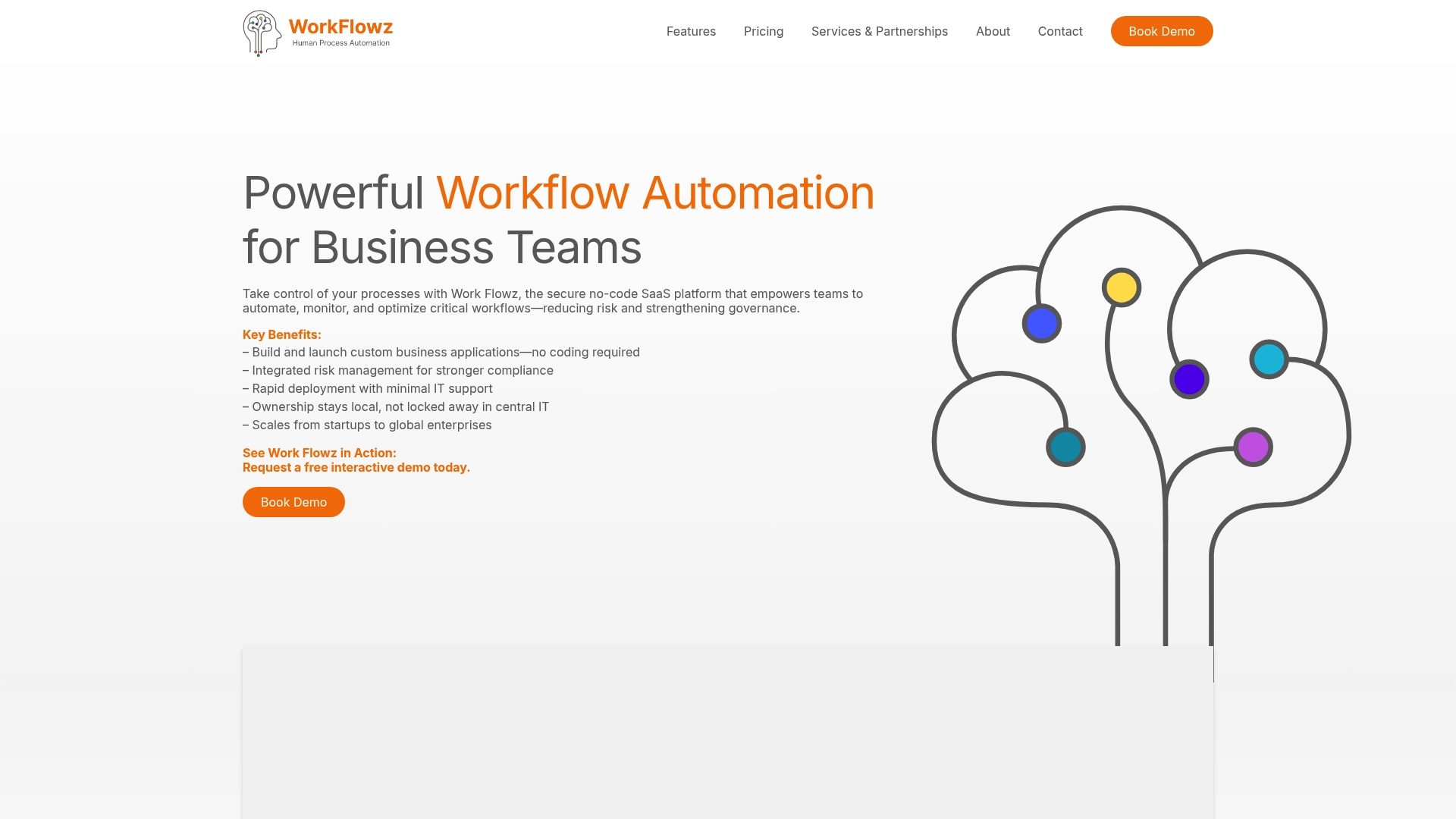
WorkFlowz hosts customer data in the United Kingdom and advertises regular security audits and encryption. It focuses on healthcare, education, and public agencies, targeting tightly regulated workflows. Pricing is not public and requires contacting sales for a custom quote.
Core Features
The product provides a no code workflow builder, conditional logic, and automation for both linear and record based processes. It includes role based access controls, branded user experience, secure cloud hosting, and advanced security such as SSO and MFA.
Key Differentiator
WorkFlowz emphasizes governance and compliance over open collaboration, targeting organizations with strict audit and access requirements. This focus makes it appropriate for teams that must document controls and manage risk within regulated environments.
Pros
The platform supports complex conditional workflows and automation, which helps capture required steps for compliance driven processes. Security is prominent, with encryption, UK hosting, and features for identity integration that fit enterprise access policies. Architectural flexibility lets teams use linear flows or record based designs to mirror existing compliance procedures and audit trails. Branded experiences and role based controls reduce risk when external partners view workflows through managed accounts.
Cons
- Limited independent reviews make it hard to gauge real user satisfaction or long term reliability.
- Pricing is not public, so budgeting requires direct vendor engagement and negotiation.
- No listed third party integrations may force custom integration work by internal teams or consultants.
- The security focus can add configuration complexity for small or nontechnical teams.
When It May Not Fit
WorkFlowz may not fit teams that need low friction external participation or anonymous contributor flows. It also suits fewer budgets that require transparent self serve pricing or large libraries of prebuilt third party connectors. Organizations seeking rapid external onboarding via magic links will likely find EasyFlow more aligned with that need.
Who It’s For
Enterprise IT, compliance teams, and legal departments at healthcare providers, school systems, or government agencies match WorkFlowz’s strengths. Security architects who require SSO, MFA, and custom identity providers will find the feature set targeted to their policies. Operational teams with formal audit and access control obligations will use the platform to enforce process rules and record actions.
Real World Use Case
A regional hospital automated patient intake and compliance forms, centralizing documents and audit logs while enforcing role based approvals. Clinical teams reduced manual handoffs and preserved an auditable trail for inspections without exposing records outside controlled hosting.
Pricing
WorkFlowz does not publish pricing publicly and asks prospects to contact sales for custom quotes. Expect enterprise negotiation and per deployment or per customer pricing for regulated implementations.
Website: https://work-flowz.com
StreamWork
At a Glance
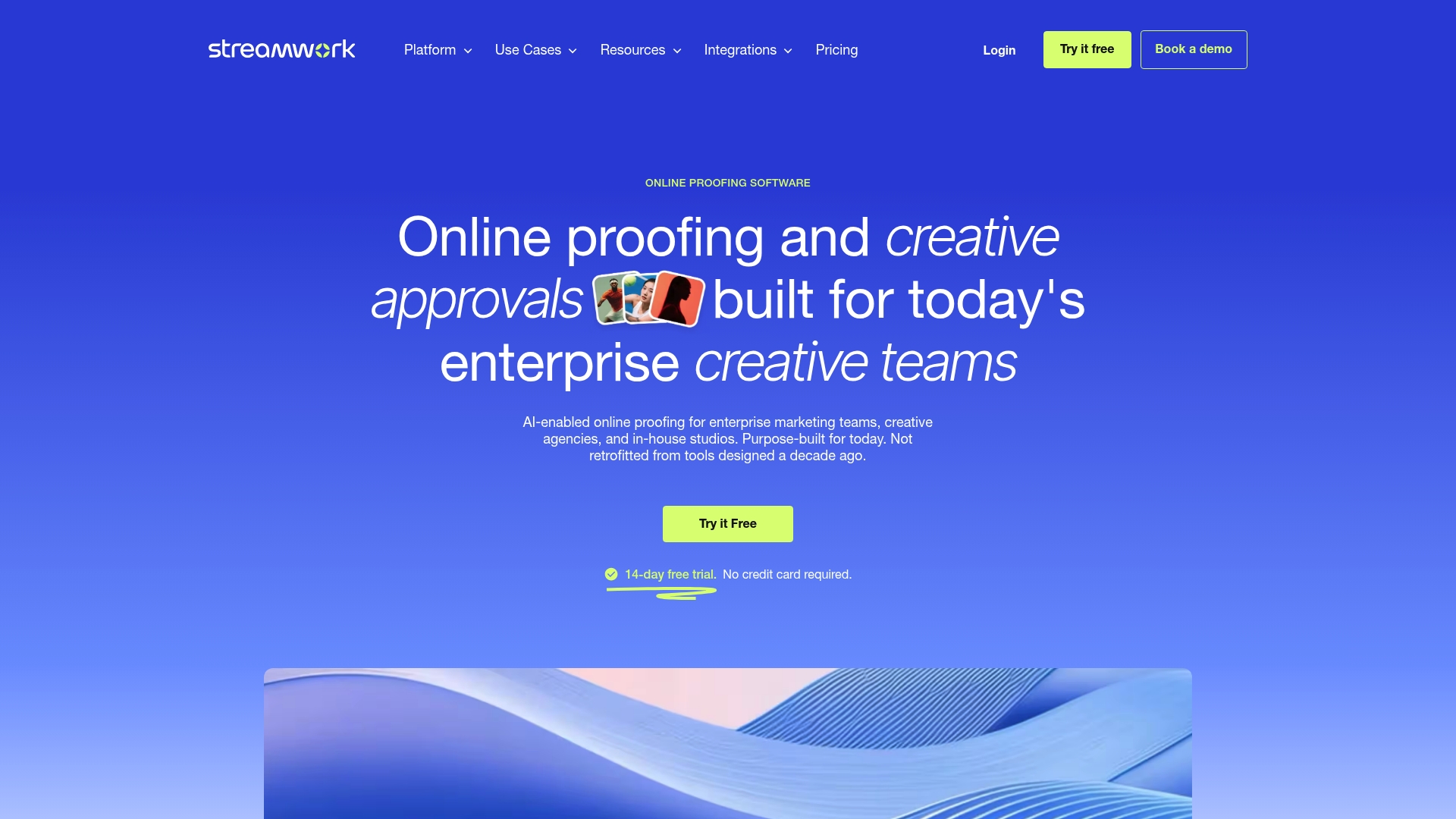
StreamWork reports recognition as #1 for ROI on G2 and a Webby Honoree. That recognition reflects its focus on approval velocity for large creative teams. The product targets multi stage review cycles and version control for video, image, and PDF assets.
Core Features
StreamWork delivers AI enabled multi stage approval workflows, enterprise online proofing for videos, images, and PDFs, and a full version history with an audit trail. It adds markup tools and threaded commenting so reviewers mark specific frames and pages. The system plugs into existing project trackers and creative tools to keep review activity inside familiar apps.
Key Differentiator
StreamWork focuses squarely on enterprise creative approvals with automation tuned to complex review gates and role based approvals. It integrates with the creative stack rather than replacing it, so teams can keep using Slack, Asana, and design tools while centralizing feedback and version control.
Pros
The interface is intuitive for basic review flows and lets stakeholders leave frame precise annotations without installing native design tools. Automation trims manual status updates and routes approvals to the right people, which reduces follow ups. The vendor notes responsive customer support. Integrations keep review activity visible in project trackers and in design environments.
Cons
- Navigation can be confusing in some areas. New users report difficulty finding nested versions and approval states.
- Advanced features have a learning curve. Configuring multi stage gates and role rules may require an administrator or training sessions.
- Some users suggest interface refinement. Several feedback items request clearer labeling and fewer clicks to reach active reviews.
When It May Not Fit
Teams that need automated task execution for external collaborators rather than concentrated approvals may find StreamWork too focused on review. Small teams without a dedicated creative operation person could struggle with the setup for complex workflows. Projects that require nonstandard integrations may outgrow the available connectors.
Notable Integrations
StreamWork connects with Slack, Monday.com, Asana, Adobe Creative Cloud, Dropbox, Figma, and Box. Those integrations allow comments, approval status, and file sync to appear inside messaging, project boards, and design tools.
Who It’s For
StreamWork suits enterprise marketing teams, creative agencies, and in house studios that run multi stage approvals across many asset types. It fits organizations that require audit trails, version history, and integrations with existing project and design tools.
Real World Use Case
A global marketing team uses StreamWork to automate stakeholder notifications and keep a single version history for campaign assets. The team reduced review friction by routing approvals automatically and consolidating comments on the same file rather than across email chains.
Pricing
Pricing is not publicly listed. The vendor lists pricing as informational only and suggests enterprise plans tailored to scale and integration needs.
Website: https://streamwork.com
Comparison of alternatives
Selecting the best workflow automation platform for your team involves assessing unique needs such as external collaboration, compliance requirements, and industry-specific challenges. Below we compare three leading platforms: EasyFlow, WorkFlowz, and StreamWork.
Collaboration and accessibility
EasyFlow distinguishes itself in scenarios requiring smooth external communication and task accomplishment. By enabling collaborators to complete assigned work via shared links without the need for account registration, the platform streamlines interaction with clients and external stakeholders. In contrast, WorkFlowz insists on managed accounts to ensure compliance, and StreamWork’s focus lies in collaborative multimedia proofing rather than generalized task execution.
Industry-specific compliance and security
WorkFlowz excels in environments requiring regulatory adherence and data security. Its advanced security protocols, including SSO and MFA, supplemented by compliance-targeted workflow features, position it well for healthcare, education, and governmental contexts. While EasyFlow addresses broader operational needs, and StreamWork caters specifically to creative processes, WorkFlowz remains the evident choice for regulated industries.
Best fit
- Teams requiring frictionless external collaboration benefit most from EasyFlow’s no-account-needed participation feature.
- Organizations in highly regulated environments will find WorkFlowz’s compliance and security protocols.
- Creative teams managing asset approvals integrate StreamWork into existing tools for enhanced content workflows.
- Small teams that prefer cost transparency and tested scalability can rely on EasyFlow’s straightforward tiered plans.
Our pick
EasyFlow distinctively facilitates external collaboration by removing the need for account setup, making it valuable for teams working with clients or contractors on shared workflows. While WorkFlowz offers governance and security for regulated industries, and StreamWork provides tailored tools for creative teams, EasyFlow represents the best choice for teams prioritizing simplicity and inclusivity in task management. It may not suit organizations with complex compliance requirements, where WorkFlowz would take precedence.
Workflow automation solutions differ in focus and features, helping teams choose the best fit for their needs.
| Product | Core Features | Best For | Notable Limitation | Pricing |
|---|---|---|---|---|
| EasyFlow | Automated workflows with reminders; external link collaboration; pre-built templates for various processes. | Operations teams managing repeatable workflows with external stakeholders. | Limited customization for complex workflows. | Free; Pro: $49/month; Scale: $149/month (billed annually). |
| WorkFlowz | No-code builder; security-focused with role control and UK hosting. | Compliance teams in regulated industries like healthcare and education. | Complex setup for small teams; no self-serve pricing. | Price not published. |
| StreamWork | AI-enabled asset reviews; integration with creative tools; approval workflows. | Creative agencies with extensive asset review needs. | Challenging interface navigation and advanced feature setup. | Price not published. |
How Can Teams Overcome Workflow Friction Without Complex Account Setups?
Manual follow-ups and delays from external collaborators create major bottlenecks in repeatable processes. Operations teams and project managers who handle approvals, onboarding, or client handoffs often face slowdowns caused by account creation requirements. EasyFlow addresses this challenge by letting external participants complete tasks directly through secure links without logging in. This reduces friction and accelerates workflow completion while preserving full audit trails.
EasyFlow automates notifications, enforces task dependencies, and minimizes manual check-ins. Its approach suits teams needing fast execution with outside vendors or clients. Learn how EasyFlow can speed up your process handoffs by visiting EasyFlow. See how removing login barriers lets you focus on progress instead of chasing status updates.
FAQ
What features make EasyFlow suitable for task automation?
EasyFlow automates task handoffs and notifications, which minimizes the need for manual follow-ups. This is achieved through its automatic reminders and the preservation of workflow history. Teams can expect streamlined operations, especially in processes like onboarding and approvals.
How does WorkFlowz compare to EasyFlow?
WorkFlowz excels in governance and compliance, making it ideal for organizations with strict audit and access requirements. EasyFlow, on the other hand, is best for external collaboration without requiring login for collaborators, which fits teams looking for swift execution.
Which platform is best for external collaboration without user accounts?
EasyFlow is specifically designed for external collaboration, allowing collaborators to complete tasks via links without creating accounts. This feature significantly lowers friction and enhances task execution speed, making it a strong option for operations teams.
Can I use EasyFlow for complex workflows?
EasyFlow works best for straightforward processes rather than complex workflows requiring detailed customizations. If you need simple automation for standard tasks like client onboarding or invoice approvals, EasyFlow should suffice.
What is the pricing structure for EasyFlow?
EasyFlow offers a Free tier, along with paid plans at $49/month billed annually for the Pro version and $149/month for the Scale version. This tiered pricing supports teams of different sizes and needs.