
Top 4 Floww.ai Alternatives for 2026

Managing multi-step processes across different teams or external collaborators often breaks down due to account setup and integration barriers. Many workflow automation tools force every participant to register, or require complex integration work for cross-system approvals. This overview shows which alternatives remove signup friction, offer no code customization, or handle advanced automations so you can match software to your process complexity.
Table of Contents
EasyFlow
At a Glance
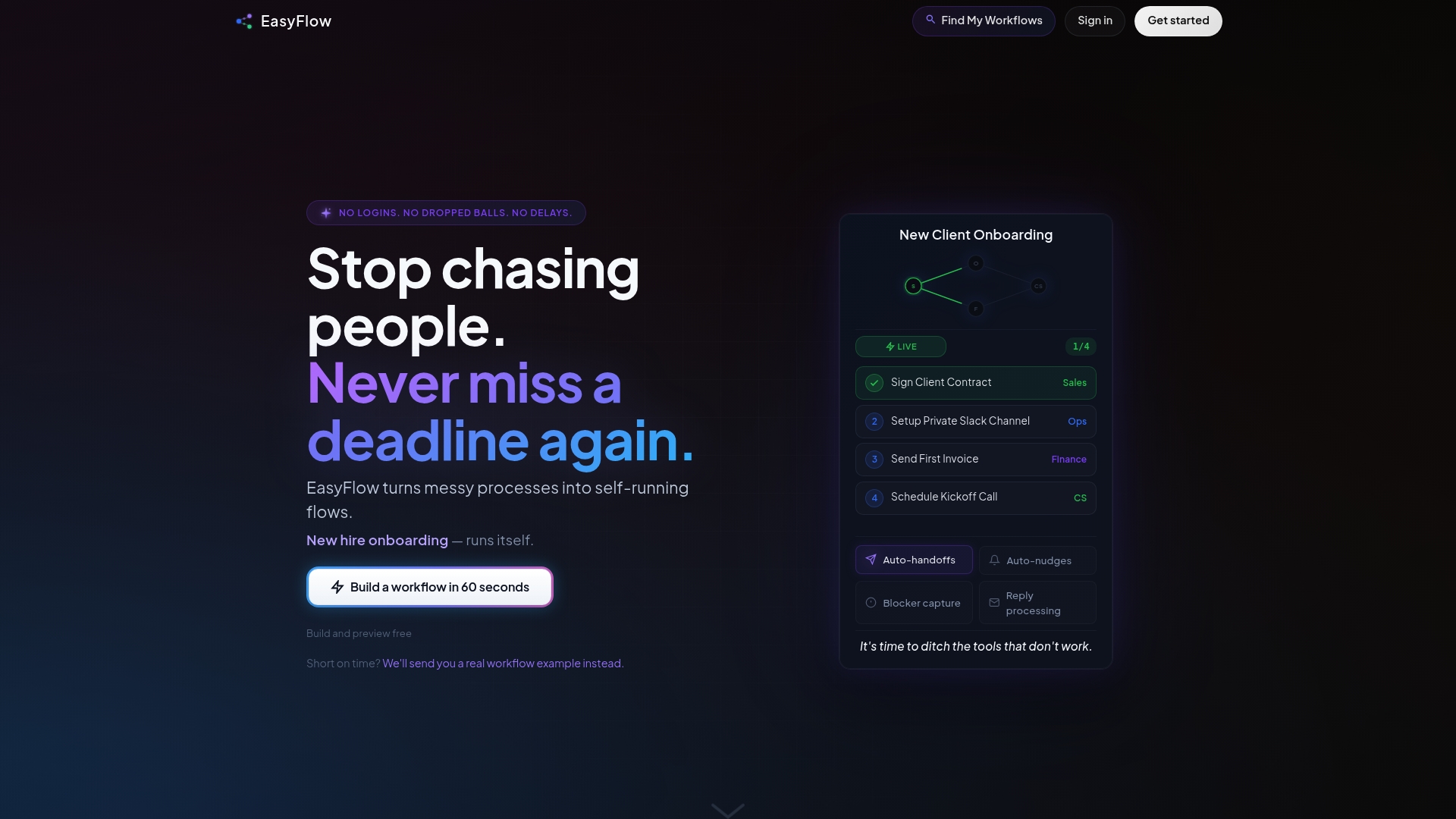
Collaborators can complete workflow steps without creating accounts. That single design choice removes onboarding friction for external reviewers and vendors. The product sends automated reminders and captures blockers while enforcing process rules. It targets operational teams that need executed workflows rather than passive task lists.
Core Features
-
No logins required for collaborators so external participants can act through one-time links without account setup.
-
Automated task assignments and handoffs that move work to the next owner automatically.
-
Pre-built workflows with simple customization for common processes like onboarding and approvals.
-
Automatic reminders and nudges to cut down manual follow-ups and missed deadlines.
-
Real-time process enforcement and blocker detection that highlights stalled steps and enforces required approvals.
Key Differentiator
EasyFlow runs processes automatically without requiring user logins or manual follow-up. That removes the need to manage task status across multiple tools. The product enforces the process as it runs and notifies stakeholders when a blocker appears. For teams that spend time chasing approvals, this changes who does the work.
Pros
-
Eliminates manual chasing of tasks. Notifications and automatic handoffs reduce the need for repeated status requests.
-
Runs processes end to end with automatic notifications. That keeps work moving without a person constantly monitoring the board.
-
External collaborators complete steps without accounts. This lowers friction for clients, vendors, and temporary contractors.
-
Rapid building and testing of workflows. Teams can preview flows and iterate before pushing them live.
-
Cuts coordination time for recurring processes. Operations teams report faster execution when follow ups are automated.
Cons
- May not support highly complex workflows with extensive conditional branching or integrations. Larger programs with deep conditional logic or many legacy connectors may need a different tool.
Who It’s For
Operational teams and team leads who run recurring processes and want automated execution. That includes operations, sales operations, finance approvals, and HR teams handling onboarding. It fits groups that need work to happen without training every external contributor on a new app.
Unique Value Proposition
Magic links let external collaborators complete steps without signing up. That single change reduces the administrative work of onboarding reviewers and vendors. Teams keep control over the process while removing the user management overhead. The result is fewer manual reminders and faster path to completion for multi-party workflows.
Real World Use Case
According to the company, a RevOps team automated client onboarding using auto-sent reminders, status updates, and no login completion links. The workflow eliminated repeated follow ups and kept each stakeholder moving. The vendor states projects finished days ahead of schedule after automation.
Pricing
Free tier available for basic use. Pro starts at $37/mo with annual billing options. Scale starts at $149/mo with annual billing options for larger teams.
Website: https://teameasyflow.com
Cflow
At a Glance
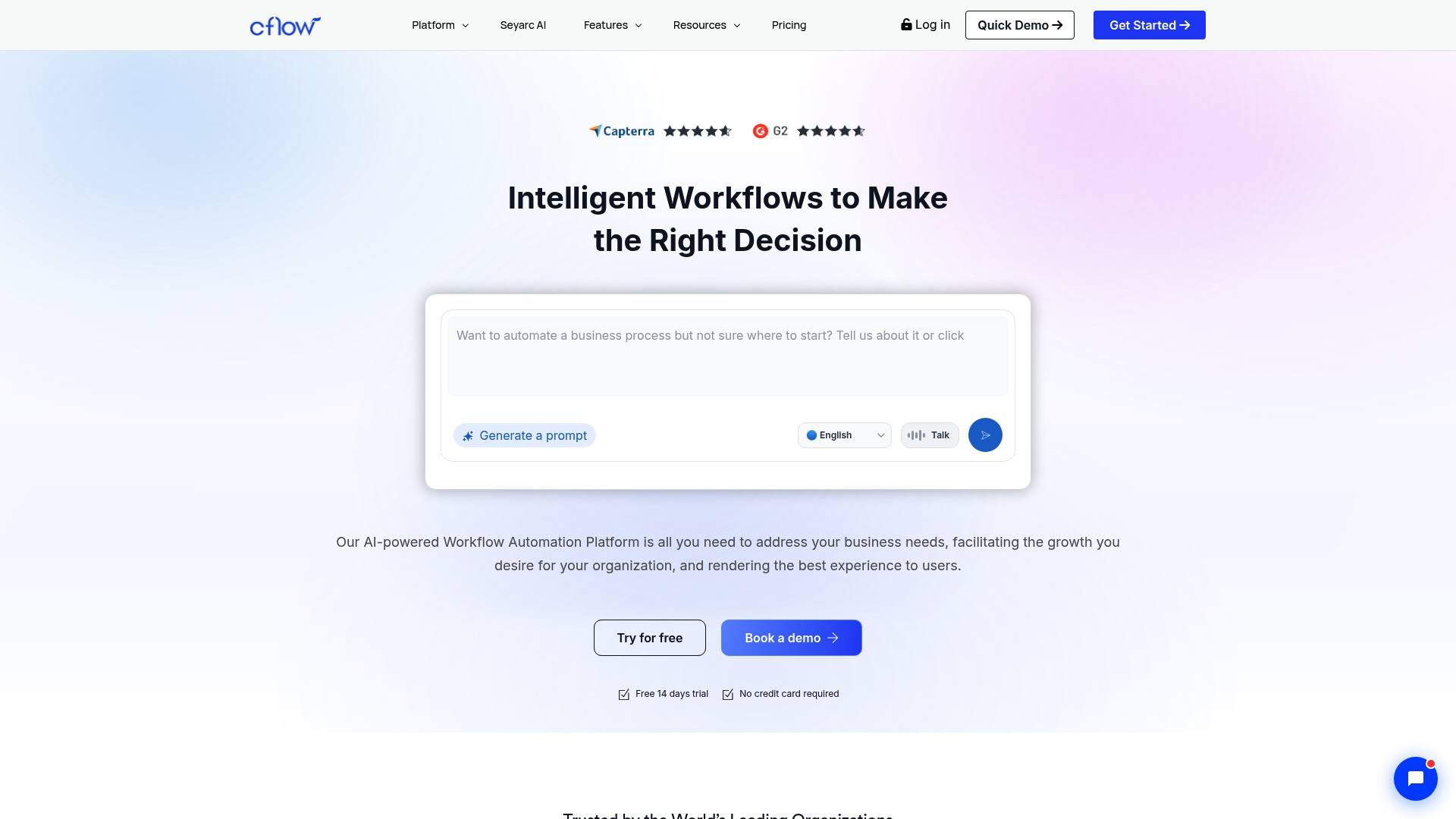
The vendor advertises over 2,000 integrations, including Google Workspace and Salesforce. That scale explains why teams use Cflow to connect approvals to existing apps. The platform also emphasizes AWS data centers and encryption controls for data handling.
Core Features
Cflow offers a visual workflow builder that uses a drag and drop canvas so nondevelopers can model processes. The platform exposes APIs and a large set of third party connectors for data exchange with other systems. It supports customizable approval flows with SLA tracking and escalation rules to keep requests from stagnating. Prebuilt templates cover HR, finance, procurement, IT, marketing, and operations to shorten deployment time.
Key Differentiator
Cflow pairs AI driven automation with a no code builder and wide third party connectivity. That combination makes it easier to automate multi step approvals that touch several systems. The result is fewer handoffs when teams need approvals tied to email, ticketing, or CRM records.
Pros
- User friendly interface lets nontechnical staff build and edit workflows. This reduces reliance on developers for simple processes.
- Extensive connector set lets you tie approvals to existing apps like Slack, Zoom, and Salesforce. The vendor claim about many integrations explains this emphasis.
- Prebuilt templates speed common use cases such as purchase approvals and onboarding surveys. Templates cut setup time for department owners.
- Security features use AWS data centers and encryption controls to meet common enterprise requirements. That helps compliance teams feel more confident.
- Customizable escalation and SLA options give operations teams control over overdue items. You can convert manual follow ups into tracked escalations.
Cons
- Complex workflows can produce a learning curve for admins. Buyer reviews report extra time to master advanced flows.
- The platform lacks some advanced BPM capabilities found in specialist BPM tools. If you need deep process modeling, Cflow may feel limited.
- Significant customization still requires technical knowledge or support from IT. Expect some setup effort for enterprise grade integrations.
When It May Not Fit
Cflow may not fit organizations that need full scale BPM features like process mining or in depth process analytics. Teams that require low level process modeling might find the platform restrictive. Smaller teams with only simple task lists may find the feature set heavier than necessary.
Notable Integrations
- Google Workspace
- Microsoft 365
- Slack
- Salesforce
- Zapier
- Jira
- Zendesk
- Zoom
Who It’s For
Mid sized to large organizations that need to automate approvals and cross department processes will find Cflow relevant. Operations, procurement, HR, and finance teams that rely on multiple enterprise apps benefit most. Organizations that want templates and connector coverage rather than a pure BPM workbench will get the most value.
Real World Use Case
A manufacturing company replaced a manual five day invoice approval cycle with a Cflow implementation. The company tied procurement records to finance approvals and added SLA rules. That change shortened approval times to hours and improved visibility across teams.
Pricing
Price details are not published in the product data. Visit the vendor site for plan options and licensing terms. Contact sales for enterprise quotes and implementation guidance.
Website: https://cflowapps.com
Workflow86
At a Glance
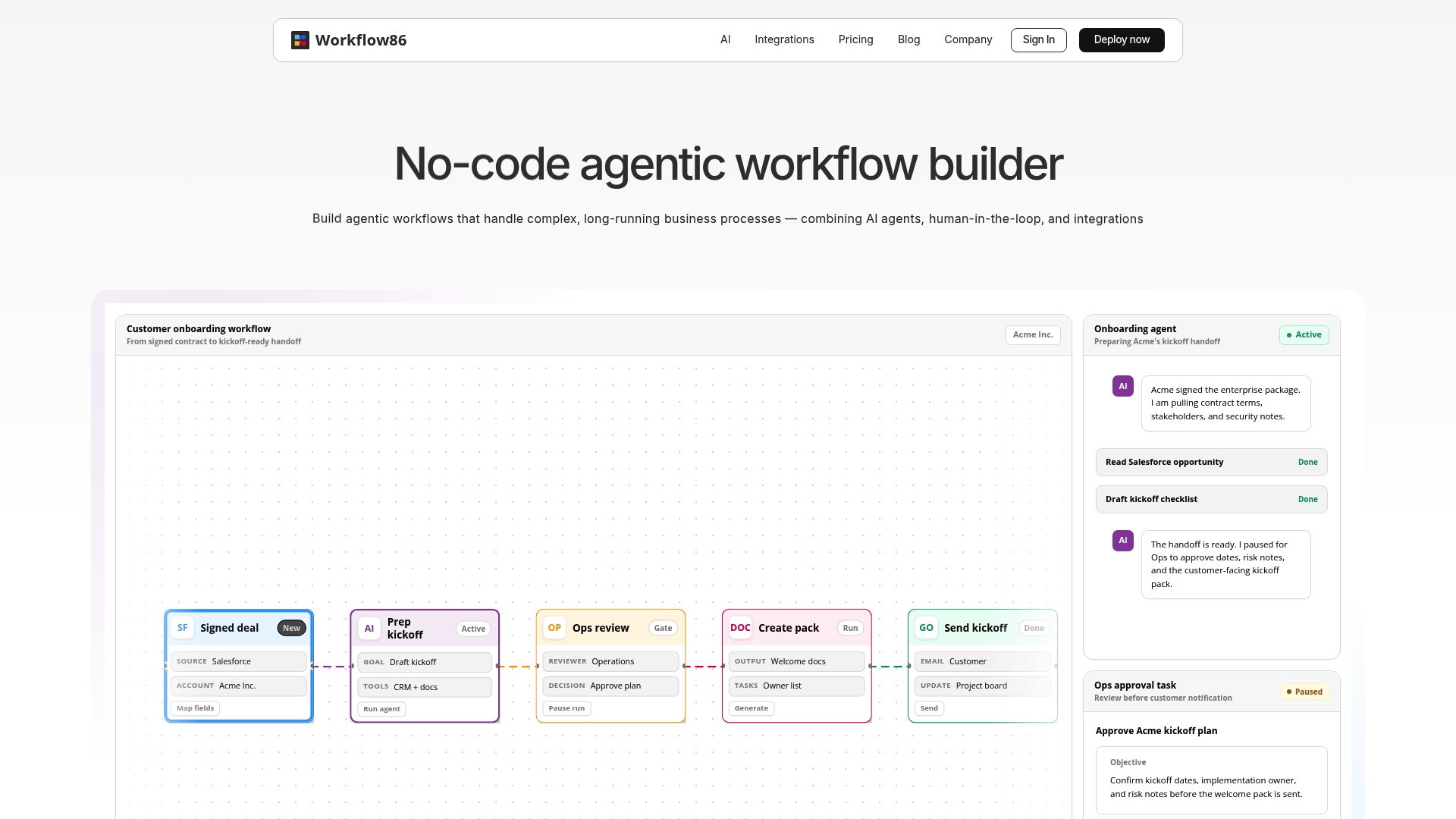
Workflow86 includes over 50 pre built tools you can use to create coordinated AI agents. The platform supports long running workflows with human review points built into the flow. A free trial is available with limited workflows so you can test core automations without a credit card.
Core Features
-
All in one process automation that combines online forms, data tables, task management, document generation, and custom code. These elements work together in a single workflow canvas.
-
Ability to build and orchestrate multiple AI agents and create custom tools using Python or Node. The system exposes API request actions for external integrations.
-
Human in the loop task management with a visual drag and drop form builder for approvals, reviews, and follow ups. Forms can pre fill fields and redirect after submission.
-
Advanced controls including parallel threads, conditional paths, convergence, migration, and long running execution. These controls let you model multi step, stateful processes.
Key Differentiator
Workflow86’s advanced orchestration engine targets processes that live for days or months and require human decisions mid flow. That focus on long running execution with built in approvals and parallel threads sets it apart from simpler automation tools. Teams that need stateful, multi system coordination will find the control model especially relevant.
Pros
-
Supports complex, long running workflows with clear controls for parallelism and conditional logic. That makes it practical for mission critical processes.
-
Integrates with many core platforms such as Google Apps, Salesforce, Airtable, and Zendesk. These connectors let you stitch existing systems into the same flow.
-
A visual drag and drop interface lowers the barrier for non developers to design flows while still allowing custom code for technical teams.
-
Includes custom code deployment and external API requests for flexibility when a connector does not exist.
-
Offers a free trial without credit card requirements so teams can validate a few workflows before committing.
Cons
-
Third party reviews mention a steep setup and learning curve for new users. Expect an initial investment in training.
-
Pricing details beyond the free tier are mostly in enterprise plans. That can limit transparency for smaller organizations.
-
The feature set may be overkill for simple automations that only need basic triggers and actions.
When It May Not Fit
Workflow86 is not a good match if you only need light task automation or single trigger scripts. Small teams without technical support may struggle with the platform’s complexity. Organizations that need predictable, low cost tiers with public pricing will want to evaluate the enterprise model carefully.
Notable Integrations
Workflow86 lists connectors for Google Apps, Salesforce, Airtable, Zendesk, PagerDuty, Confluence, Mailchimp, and Twilio. These cover common CRM, ticketing, notification, and data store use cases and reduce custom integration work.
Who It’s For
Medium to large organizations that must automate complex, stateful processes with human oversight. The platform fits teams that can allocate developer time to build custom tools and embed workflows across multiple systems.
Real World Use Case
A large enterprise combined customer onboarding, support ticket routing, and incident management into one workflow. The flow used approvals, parallel task threads, and connectors to keep Salesforce, Zendesk, and PagerDuty synchronized while retaining manual review steps.
Pricing
A free tier includes 5 workflows, 300 actions, and 50 AI actions for initial testing. Enterprise plans offer unlimited workflows and actions with full support and custom features. Contact the vendor for enterprise pricing details.
Website: https://workflow86.com
CleverFlow
At a Glance
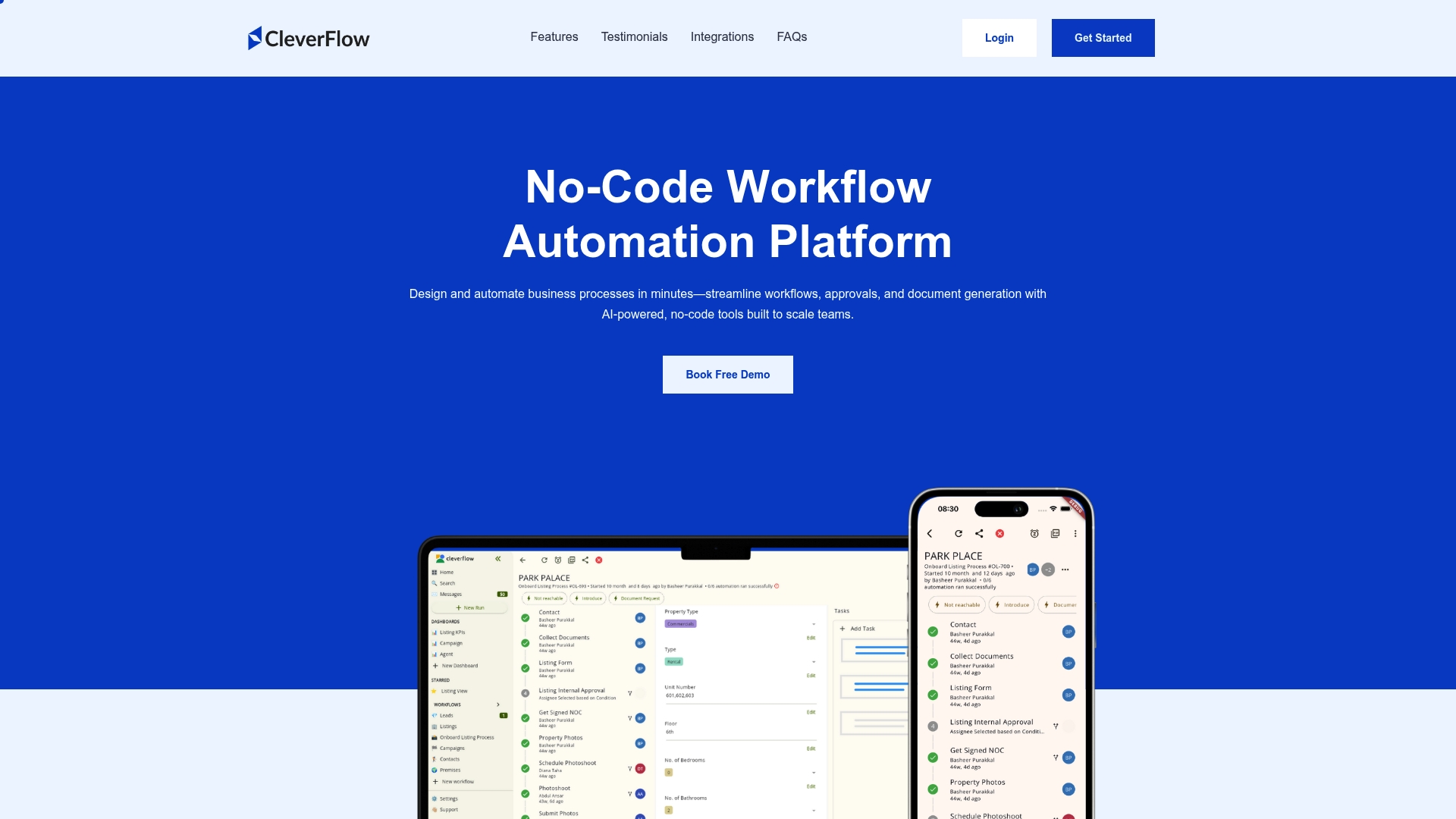
Mobile apps include offline mode and document capture, allowing field teams to continue work without constant internet access. The product advertises AI powered, no code workflow tools and real time dashboards for monitoring process health. That mix targets teams that need mobile data collection plus visual workflow control.
Core Features
- Visual drag and drop process builder for mapping approvals and tasks with minimal training.
- Real time dashboards and analytics that surface bottlenecks and task status across processes.
- No code workflow automation with AI support for conditional routing and automated assignments.
- Mobile apps with offline mode and document capture for teams working on site.
- Intelligent task assignment and automation rules to route work to the right person.
Key Differentiator
CleverFlow centers on an AI powered, no code visual workflow builder that pairs strong mobile capabilities with local market integrations. That focus makes it a practical choice for real estate and field operations that require offline capture and listings platform connectivity. Compared with EasyFlow, CleverFlow targets teams that prioritize mobile field work and marketplace integrations rather than external collaborator execution without accounts.
Pros
- Mobile apps enable work where connectivity is spotty. Field teams can capture documents and sync later.
- The visual builder helps non technical users assemble processes quickly and iterate without engineering support.
- Real time dashboards make it easier to spot stalled approvals and adjust workflows in the moment.
- Broad integration options include messaging and regional property platforms, which reduces manual data entry between systems.
- Customizable automation rules allow teams to assign tasks based on role, workload, or form responses.
Cons
- Several website links return page not found errors, which may complicate self service research and trial setup.
- Public pricing details are limited, so buyers must contact sales for full plan comparisons.
- Some third party reviews note navigation and clarity issues on the vendor site.
When It May Not Fit
If your team needs an automation tool that runs external collaborators without accounts, this product may be narrower than needed. If you require highly detailed public pricing to plan procurement, the limited online pricing may slow decision making. Large enterprises seeking explicit scalability benchmarks should request architecture details from the vendor before committing.
Notable Integrations
- Slack
- Dubizzle
- Bayut
- Property Finder
- Webhooks
Who It’s For
Teams in real estate, HR, operations, or finance that need no code tools for field friendly process automation. Organizations that collect documents or approvals on site will find the mobile features useful. Buyers who value marketplace integrations for property workflows will see immediate benefit.
Real World Use Case
A real estate agency uses CleverFlow to automate listing approvals and client onboarding. Agents capture photos and forms offline, then the app syncs attachments and triggers approval flows. Notifications and documents move to the right person automatically, reducing manual follow up.
Pricing
The vendor lists flexible pricing plans starting at $18 per month for personal use, with business and enterprise tiers available. Because public pricing detail is limited, plan comparisons require a conversation with sales to confirm features and seat counts.
Website: https://cleverflow.com
Comparison of alternatives
Selecting the right workflow automation software depends on several factors, including ease of onboarding, system integration, and process customization capabilities. Comparing EasyFlow, Cflow, Workflow86, and CleverFlow, each platform offers unique advantages and trade-offs addressing diverse requirements.
Onboarding Experience for External Collaborators
EasyFlow eliminates the need for external participants to create accounts during task collaboration. This feature significantly reduces onboarding time for temporary stakeholders like vendors and clients. In contrast, other tools in this comparison may require full user registrations, potentially deterring external collaborators or delaying workflows.
Process Tailoring and Integration Options
When it comes to tailor-fitting workflows and extensive external integrations, Workflow86 demonstrates clear superiority. Its support for advanced orchestration, parallel threads, and conditional paths make it best suited for complex, state-dependent processes. While Cflow also provides integrations through a variety of APIs, it doesn’t match Workflow86’s extensive feature set.
Best fit
- For operational teams that prioritize automation ease and minimal training requirements, EasyFlow offers an attractive and effective solution.
- For enterprises integrating workflows with extensive third-party systems, Cflow offers high integration capability through its APIs.
- Businesses managing long-term processes that require advanced customization and manual oversight will find Workflow86 to be an aligned choice.
- Organizations operating in field-heavy industries needing mobile features and offline functionality should consider CleverFlow.
Our pick
teameasyflow.com excels when operational teams need to streamline workflow execution while minimizing onboarding requirements for external collaboration. However, for organizations needing solutions for more complex workflows or field operations, alternatives such as Cflow and CleverFlow might be better suited. Ultimately, effective automation solutions adapt to fit the specific needs of each team.
Automating workflows effectively depends on choosing the right platform, tailored to your team’s specific needs and processes.
| Product | Key Differentiator | Best For | Pricing | Notable Limitation |
|---|---|---|---|---|
| EasyFlow | No-login-required task completion links | Operational teams optimizing recurring tasks | Free tier; Pro $37/mo; Scale $149/mo | May lack support for highly complex workflows |
| Cflow | AI-driven automation with extensive app integrations | Mid to large entities automating approvals | Not disclosed | Steep learning curve for intricate workflows |
| Workflow86 | Advanced orchestration with long-running process execution | Complex processes necessitating high oversight | Free tier; Enterprise plans available | High learning curve for new users |
| CleverFlow | Mobile-friendly workflow tools with offline integration | Field teams requiring mobile document handling | From $18/mo; higher tiers vary | Limited public pricing transparency |
Discover How EasyFlow Solves Workflow Challenges Without Account Hassles
The search for floww.ai alternatives often centers around getting workflows done faster and smoother without endless manual follow-ups. EasyFlow specifically addresses this challenge by letting external collaborators complete tasks using magic links — no account setup needed. This cuts onboarding friction and removes common bottlenecks faced by operations-heavy teams in sales, finance, and HR.
Key benefits include:
- Automated execution without the need for users to create accounts
- Fewer manual reminders and quicker approvals
- Seamless multi-party workflows that keep projects moving
Explore EasyFlow’s capabilities and see how it can automate your recurring processes with less hassle. Try it out and experience faster workflow completion by empowering collaborators instantly via one-time links.
FAQ
What unique feature does EasyFlow offer for external collaborators?
EasyFlow allows external collaborators to complete workflow steps without needing to create accounts. This design choice enables participants to take action through one-time links, thereby minimizing onboarding barriers for clients and vendors.
How does EasyFlow compare to Cflow in terms of workflow building capabilities?
Cflow features a visual workflow builder that utilizes a drag-and-drop canvas, making it user-friendly for non-developers. In contrast, EasyFlow automates task assignments and handoffs with no logins required, which caters to operational teams needing executed workflows rather than just passive lists.
Can I use EasyFlow for complex workflows?
While EasyFlow excels in automating straightforward processes, it may not adequately support highly complex workflows with extensive conditional branching. Teams requiring deep conditional logic might find it more beneficial to explore alternatives like Cflow.
How does EasyFlow enhance the task completion process for operational teams?
EasyFlow automates task assignments and sends automatic reminders, which significantly reduces the manual effort required for follow-ups and missed deadlines. This means operational teams can focus more on execution rather than monitoring task status.
What pricing options does EasyFlow offer?
EasyFlow has a free tier for basic use, while its Pro version starts at $37 per month with annual billing options available. This makes it accessible for teams looking to test the platform before committing to a higher-tier plan.