
How Workflow Mapping Improves Operations for Teams

Workflow mapping is the practice of visually documenting every step, decision, and handoff within a business process to expose inefficiencies and improve operational execution. The industry term for this practice is process mapping, and the two terms are used interchangeably across operations management. Companies that apply disciplined process mapping report 20%–30% improvements in operational efficiency. Understanding how workflow mapping improves operations starts with recognizing that most process failures are invisible until you draw them out. Tools like SAP Signavio, Lucidchart, and Microsoft Power Automate all depend on accurate process maps to deliver results. Without a map, you are managing assumptions, not reality.
What are the key benefits of workflow mapping for operational efficiency?
Workflow mapping gives every stakeholder a shared, accurate picture of how work actually moves through your organization. That shared picture is the foundation of every other operational improvement.
Better visibility into where work breaks down

Process mapping reveals bottlenecks such as work backlogs, redundant approvals, and unnecessary handoffs that slow execution. These problems exist in almost every organization, but they stay hidden when processes live only in people’s heads. A visual map makes them impossible to ignore.
Alignment across departments
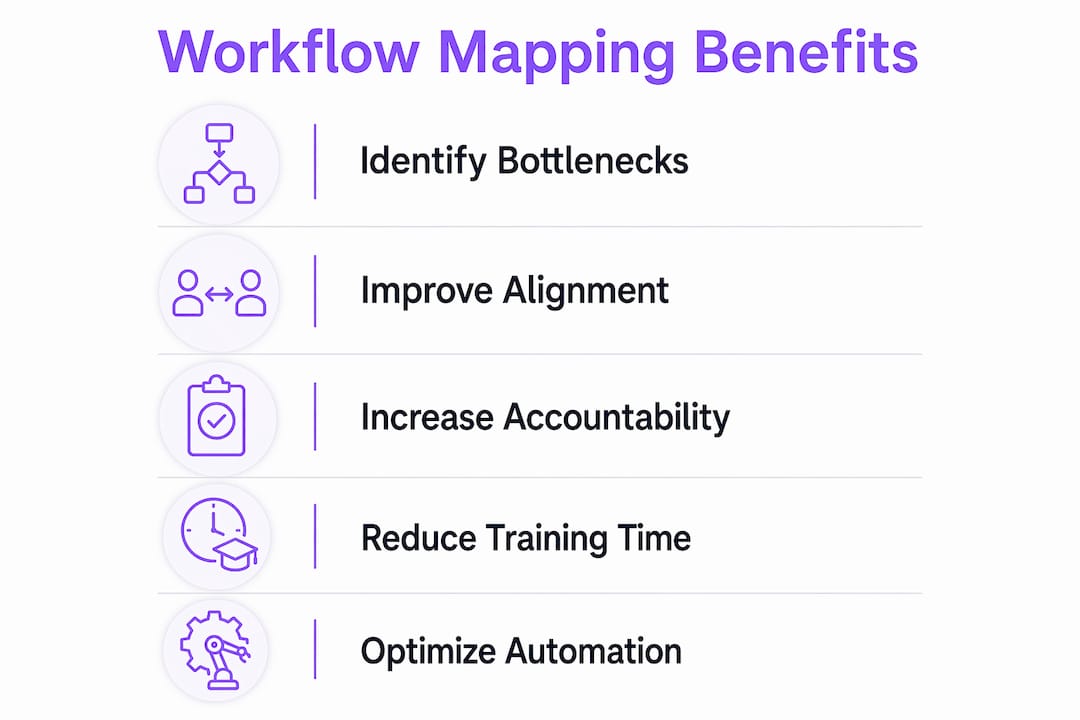
Workflow mapping transitions fragmented tribal knowledge into a shared organizational source of truth. Without it, teams in sales, operations, and finance often work under different assumptions about the same process. That gap creates invisible silos and duplicate work.
Accountability and ownership
When every step has a named owner on a map, accountability becomes concrete. Vague handoffs disappear. Each person knows exactly what they are responsible for and when their part ends.
Support for data-driven decisions
Maps that include timing and resource data transform from static diagrams into operational tools. They show you where delays accumulate and where capacity is misallocated, giving leadership real evidence to act on.
- Process visibility exposes waste that verbal descriptions miss
- Shared maps reduce cross-department miscommunication
- Named ownership on each step eliminates ambiguous handoffs
- Timing data turns maps into decision-making tools
- Documented processes support faster onboarding for new team members
Pro Tip: Visual workflow maps reduce new employee training time by answering “what do I do next?” without requiring a manager’s intervention every time.
How does workflow mapping enable automation and process optimization?
Mapping before automation is not optional. It is the difference between a system that runs well and one that runs your old problems faster.
Automating unmapped processes results in codifying manual workarounds, adding friction permanently into systems. Once a broken process is automated, fixing it requires reworking both the workflow logic and the underlying software configuration. That is significantly more expensive than redesigning the process on paper first.
The ROI case for mapping before automation is clear. Organizations achieve 248% ROI over three years when automation is applied to well-documented, mapped processes. That figure drops sharply when automation is applied to unmapped or poorly understood workflows. The difference is not the automation tool. It is the quality of the process underneath it.
Here is the sequence that experienced operations teams follow before deploying automation on any platform, including Microsoft Power Automate or similar tools:
- Document the current state. Map every step as it actually happens today, including workarounds, delays, and rework loops. Do not map the ideal version.
- Identify waste and redundancy. Mark every step that adds no value. Flag approvals that exist out of habit rather than necessity.
- Redesign the process. Build the improved version of the workflow before touching any automation tool. Solve the process problem first.
- Automate the redesigned process. Apply automation only to the clean, validated version of the workflow.
- Measure and adjust. Track cycle time, error rates, and handoff delays after automation goes live. Revisit the map quarterly.
Pro Tip: Start with one high-impact, low-effort process per quarter. Focused, sequential improvement produces clear ROI and builds team confidence faster than trying to map everything at once.
How to effectively map workflows to capture actual process reality
The most common mapping mistake is documenting how a process is supposed to work instead of how it actually works. Standard operating procedures describe the ideal. Reality includes shortcuts, workarounds, and informal steps that SOPs never mention.
Effective process mapping involves shadowing real work, capturing every handoff, delay, and manual step. Sit with the people doing the work. Watch what they actually do, not what the training manual says they should do. You will almost always find steps that no one has ever written down.
Tools like Lucidchart, Miro, SAP Signavio, and Celonis Process Mining each support visual documentation of actual workflows at different levels of complexity. Lucidchart and Miro work well for collaborative, real-time mapping sessions with cross-functional teams. SAP Signavio and Celonis are better suited for enterprise-scale process discovery where you need to mine data from existing systems to reconstruct how work actually flows.
| Tool | Best use case | Complexity level |
|---|---|---|
| Lucidchart | Collaborative team mapping sessions | Low to medium |
| Miro | Visual workshops and cross-functional mapping | Low to medium |
| SAP Signavio | Enterprise process documentation and governance | High |
| Celonis | Data-driven process mining from existing systems | High |
Including timing data in your maps is what separates a useful map from a decorative one. When you record how long each step takes and where work sits waiting, you can identify delay points and capacity issues that would otherwise stay invisible. A step that takes two minutes to complete but sits in a queue for three days is a bottleneck. Without timing data, the map will not show you that.
Pro Tip: Focus your first mapping effort on the process that causes the most complaints or the most follow-up emails. High friction is a reliable signal of a broken workflow worth fixing.
What are common pitfalls when using workflow mapping to improve operations?
Most workflow mapping efforts fail not because the method is wrong, but because teams make predictable mistakes in execution. Knowing these pitfalls in advance saves months of wasted effort.
Mapping the ideal instead of the real
Teams frequently document the process they wish existed rather than the one that actually runs. The result is a map that looks clean but does not reflect reality. When you try to improve or automate based on that map, the gaps between the diagram and real behavior cause the project to fail.
Automating before redesigning
Automating broken processes embeds inefficiencies into new systems, making later fixes more costly and difficult. This is the single most expensive mistake in operations management. The automation does not fix the process. It locks the problem in place.
Mapping too many processes at once
Broad mapping initiatives that try to document every process in an organization simultaneously create governance overhead without producing results. Teams lose momentum, maps go stale, and the effort becomes a documentation project rather than an improvement project.
Overengineering for edge cases
Standardizing for the 80% common cases instead of all edge cases avoids overly complex workflows that employees ignore. Design a simple exception path for the remaining 20%, but do not let rare scenarios drive the design of your core process. Complexity kills adoption.
Skipping continuous monitoring
Teams that map before automating and measure results repeatedly sustain operational improvement over time. A map created once and never revisited becomes outdated within months as the business changes. Build a review cycle into your process improvement program from the start.
Pro Tip: After improving a process, set a calendar reminder to review the map in 90 days. Processes drift. What worked at launch may need adjustment once the team has lived with it.
Key takeaways
Workflow mapping improves operations by making invisible process failures visible, creating shared accountability, and ensuring automation is applied to clean workflows rather than broken ones.
| Point | Details |
|---|---|
| Map reality, not the ideal | Document actual steps, workarounds, and delays, not what the SOP says should happen. |
| Map before you automate | Automating an unmapped process locks in inefficiencies and raises the cost of future fixes. |
| Include timing data | Recording how long each step takes turns a static diagram into a tool for spotting delays. |
| Focus on one process at a time | Mapping one high-impact process per quarter produces measurable results without governance overload. |
| Standardize for the common case | Design workflows around the 80% scenario and keep exception paths simple to maintain adoption. |
Why I think most teams are mapping the wrong thing
Most operations teams I have seen approach workflow mapping as a documentation exercise. They produce a diagram, file it somewhere, and move on. The diagram is not the point. The conversation that happens while building it is the point.
When a sales lead, a finance manager, and an operations coordinator sit down to map the same process together, they almost always discover they have been running three different versions of it. Process mapping’s true value lies in creating that shared understanding, not in the diagram itself. The diagram is just the artifact that proves the conversation happened.
The teams that get the most out of mapping are the ones that treat it as a recurring practice, not a one-time project. They map a process, improve it, automate it where it makes sense, measure the results, and then revisit it. That cycle is what builds genuine operational intelligence over time.
If you are a business leader starting this work, pick the one process that generates the most internal complaints or the most manual follow-up. Map it with the people who actually do it, not just the managers who oversee it. You will find things that surprise you. That surprise is the value.
— Harsh
Put your mapped workflows to work with EasyFlow
Understanding where your processes break is only half the job. The other half is executing the improved version without creating new overhead for your team.

EasyFlow automates the workflows you have mapped, running team handoffs without requiring every participant to create an account or log into another tool. External collaborators complete tasks through magic links, which means your mapped process actually runs the way you designed it. Unlike task trackers that only show you what is pending, EasyFlow executes the process from start to finish. For operations teams that have done the mapping work and are ready to put it into action, start with EasyFlow to see how automated handoffs reduce follow-ups and keep work moving.
FAQ
What is workflow mapping in operations management?
Workflow mapping, also called process mapping, is the practice of visually documenting every step, decision, and handoff in a business process. It gives operations teams a clear picture of how work actually moves so they can identify and fix inefficiencies.
How much can workflow mapping improve operational efficiency?
Companies that apply disciplined process mapping report 20%–30% efficiency gains. One financial-reporting pilot showed employees spent 42% less time on a process after it was mapped and reworked.
Should you map processes before automating them?
Yes. Automating an unmapped process permanently codes in existing workarounds and inefficiencies. Organizations that automate well-documented, mapped processes achieve 248% ROI over three years, compared to significantly lower returns on unmapped automation.
What tools are used for workflow mapping?
Lucidchart and Miro work well for collaborative team mapping sessions. SAP Signavio and Celonis Process Mining are better suited for enterprise-scale process discovery and data-driven workflow analysis.
How often should workflow maps be reviewed and updated?
Review mapped processes at least every 90 days after implementation. Processes drift as teams adapt, and an outdated map leads to the same misalignment it was designed to prevent.