
Top 6 getonboardflow.com Alternatives 2026

Managing onboarding flows for clients, vendors, and external collaborators becomes tedious when software requires account creation and constant manual follow up. Many onboarding automation platforms still force user registration and lack automated integration or reminders, causing process delays. This comparison covers features, collaboration options, and pricing across six onboarding automation tools so you can match one to your team’s workflow requirements.
Table of contents
EasyFlow
At a glance
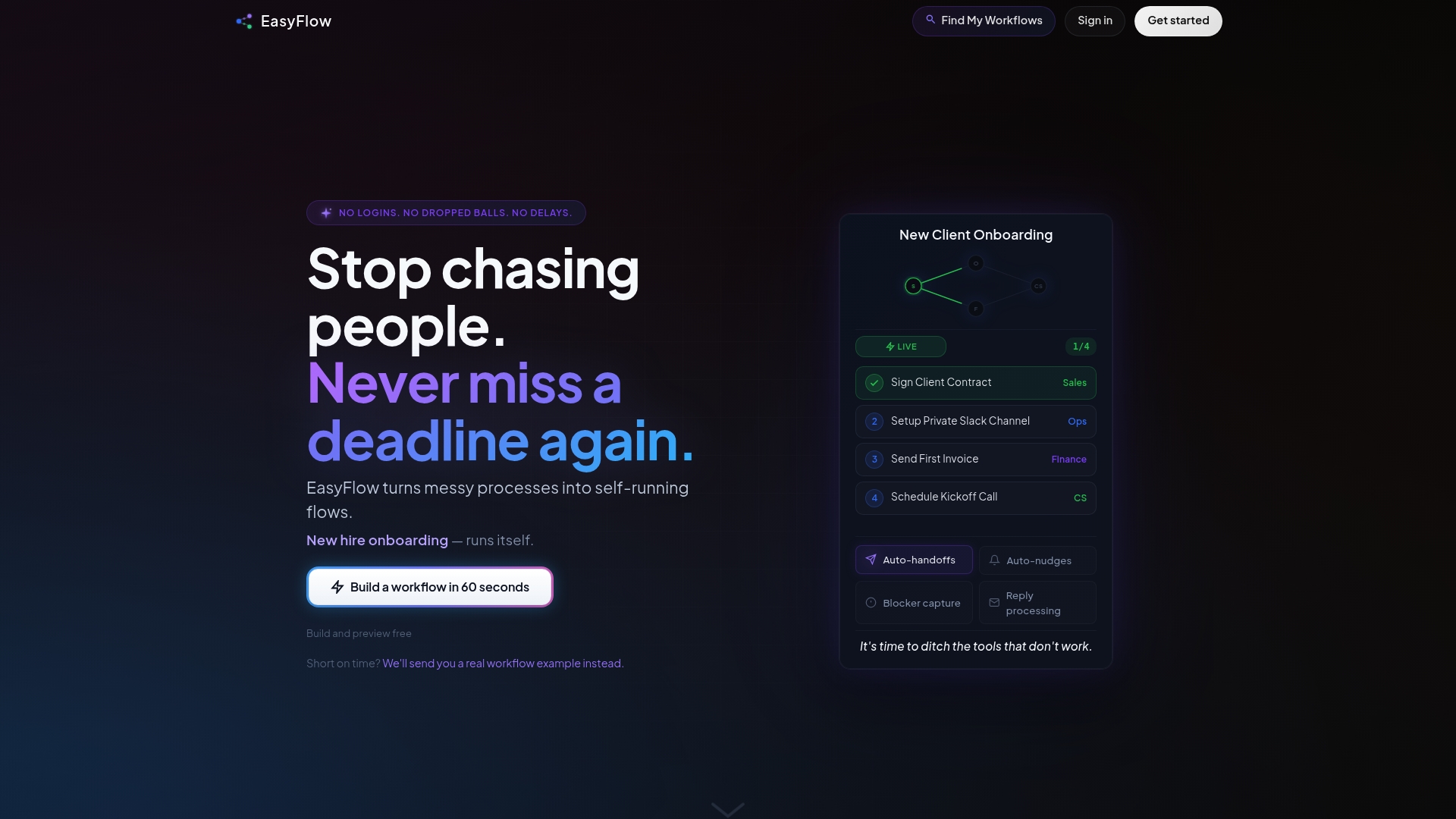
External collaborators can complete workflow steps without creating accounts. That feature removes a major friction point for onboarding vendors, clients, and contractors. EasyFlow runs processes end to end rather than only tracking tasks, so teams spend less time chasing people and more time getting work completed.
Core features
- Automates workflows with assigned steps, reminders, and handoffs. The system models dependencies and advances the flow when prior steps finish.
- Enforces process rules without manual oversight. Conditional routing and required approvals keep execution predictable.
- External collaborators can complete steps without accounts. Participants receive links to act on tasks without signing up.
- Real-time live workflow execution. Work moves forward as actions happen rather than waiting for manual updates.
- Automatic notifications and nudges to prevent delays and blockers. The tool sends reminders and escalations to reduce manual follow ups.
Key differentiator
EasyFlow transforms messy process workflows into automatically executing flows without requiring user accounts or manual chasing. That shift means the operator runs the process and participants simply act when prompted. Unlike tools that only track tasks, EasyFlow advances work for you and handles handoffs and reminders automatically.
Pros
-
Runs processes automatically, cutting the time teams spend on manual management. Automation removes routine follow up and handoff work.
-
No need for user accounts for collaborators. Participants can complete steps from a secure link, lowering onboarding friction.
-
Instant workflow execution and auto-sends handoffs. The platform advances dependent steps as soon as prior actions finish.
-
Pre-built templates for onboarding, client implementations, product launches, and compliance reviews. Templates speed setup for common operations.
-
Flexible plan options for different team sizes and needs. Pricing tiers let small teams start with a free plan and scale up.
Cons
- Not ideal for extremely complex or highly customized workflows that require deep legacy integrations. Teams with heavy bespoke logic or legacy system hooks may find limitations.
Who it’s for
Teams and operators who need to run repeatable processes without manual intervention will find EasyFlow useful. HR, customer success, procurement, and operations teams benefit when external partners must act without creating accounts. If your work depends on getting the right people to complete steps on time, this tool fits that need.
Unique value proposition
External collaborators complete steps via magic links so they never need accounts. That single capability reduces friction and cuts the follow up load on your ops team. The result is faster execution, fewer missed steps, and fewer meetings to chase progress.
Real world use case
A SaaS company automates client onboarding, vendor approvals, and product release workflows to ensure each step happens on schedule. The operations lead sets templates for approvals and hands off tasks to contractors without creating accounts. Execution becomes predictable and the team stops spending hours on manual reminders.
Pricing
EasyFlow offers a Free tier plus paid plans. Pro starts at $37/month and Scale starts at $149/month when billed annually. The tiered model aims to match increasing process volume and team size.
Website: https://teameasyflow.com
Projetly
At a glance
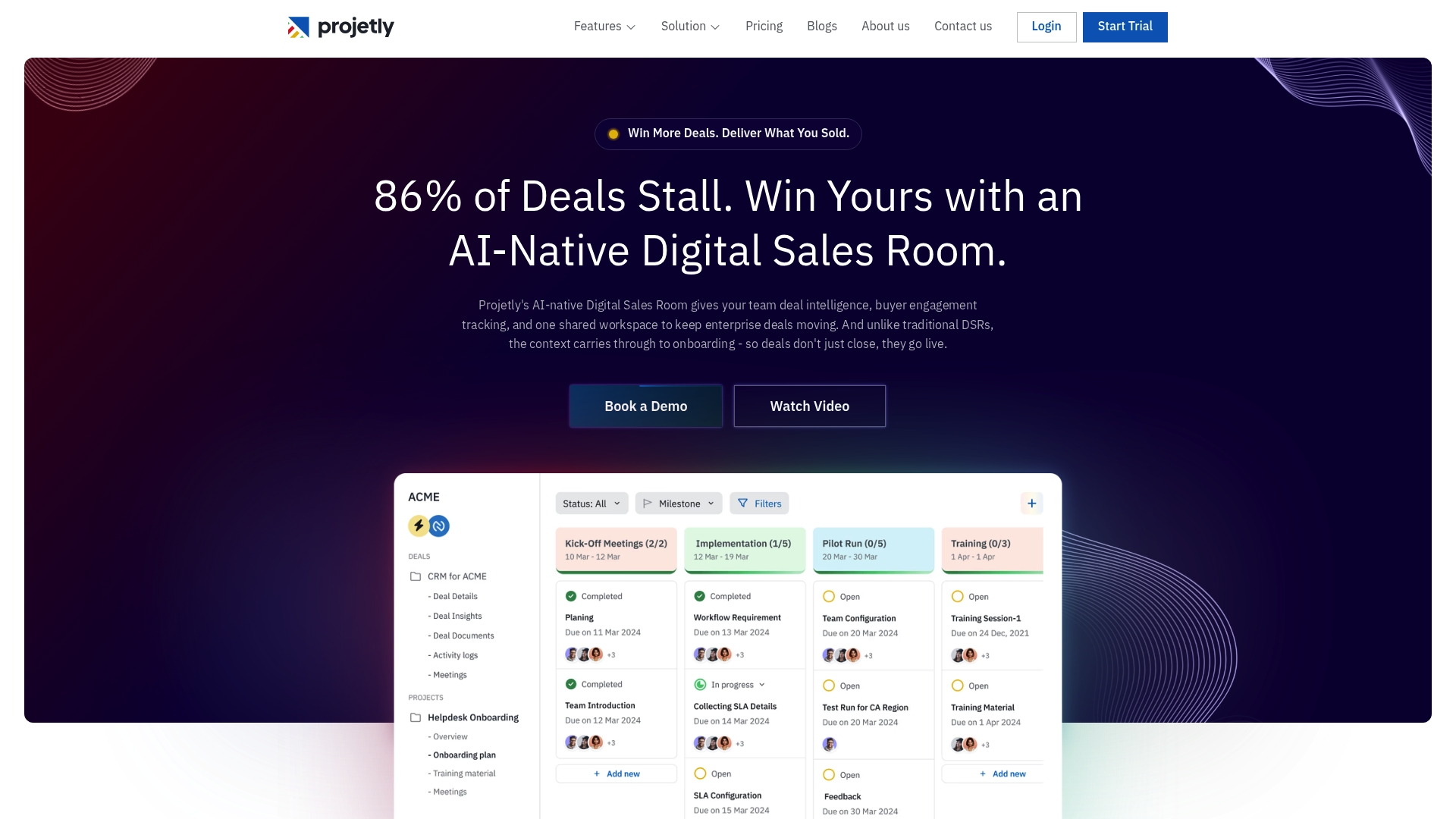
Token rewards use smart contracts to incent buyer and team engagement inside deal workspaces. The platform combines AI native deal intelligence with buyer engagement tracking and automated handoffs to onboarding. That mix targets sales and onboarding teams managing complex B2B deals and implementations.
Core features
- Shared collaborative workspace for deals and onboarding that keeps documents, tasks, and messages in one place.
- AI deal engagement tracking that surfaces buyer activity and sentiment to flag risk and momentum.
- Automated workflows that convert closed deals into structured onboarding processes with context passed forward.
- Buyer engagement and sentiment analysis to show who is active and where attention is needed.
- Token rewards for engagement using smart contracts to drive participation and reward milestones.
Key differentiator
Projetly centers on combining deal intelligence, structured onboarding workflows, and token based incentives inside a single workspace. That focus makes it more revenue motion oriented than Teameasyflow, which emphasizes executing internal processes and letting external collaborators act without accounts. Projetly fits cases where visible buyer activity and rewards tied to deals matter more than broad process automation.
Pros
- Deep AI integration reduces manual triage by extracting engagement signals and surfacing risk. This helps revenue teams prioritize outreach.
- Unified workspace prevents context loss during handoffs. Sales can move a deal into onboarding with documents and notes preserved.
- Automated handoffs retain full deal context, which can cut duplicate work between sales and implementation teams.
- Insights into buyer engagement and sentiment deliver observable signals for follow up and resource allocation.
- Token based incentives provide a novel lever to increase buyer and internal team participation around key milestones.
Cons
- There are few third party reviews, so external validation of the product claims is limited.
- The product listing includes no specific integration details, which raises questions about CRM and tool compatibility.
- Pricing and full feature sets require a trial or request, which adds friction for teams that want transparent, self serve evaluation.
Who it’s for
Projetly serves sales, onboarding, and customer success teams at B2B SaaS, Fintech, IT services, and professional services firms. It fits teams that need buyer facing workspaces and visibility into engagement signals across deals. It also suits organizations willing to pilot token based incentives to boost participation.
Real world use case
A SaaS vendor creates a shared deal workspace for a new enterprise customer. The system tracks buyer activity and flags low engagement, so sales reengage before deal close. After the win, Projetly automatically creates the onboarding workspace and passes full deal context to the implementation team to speed go live.
Pricing
Plans start at $19/month for the basic tier. Higher tiers cover growth and enterprise features and scale by team size and selected capabilities. Exact cost depends on seats and feature choices and requires a pricing request or trial.
Website: https://projetly.ai
OnboardMe
At a glance
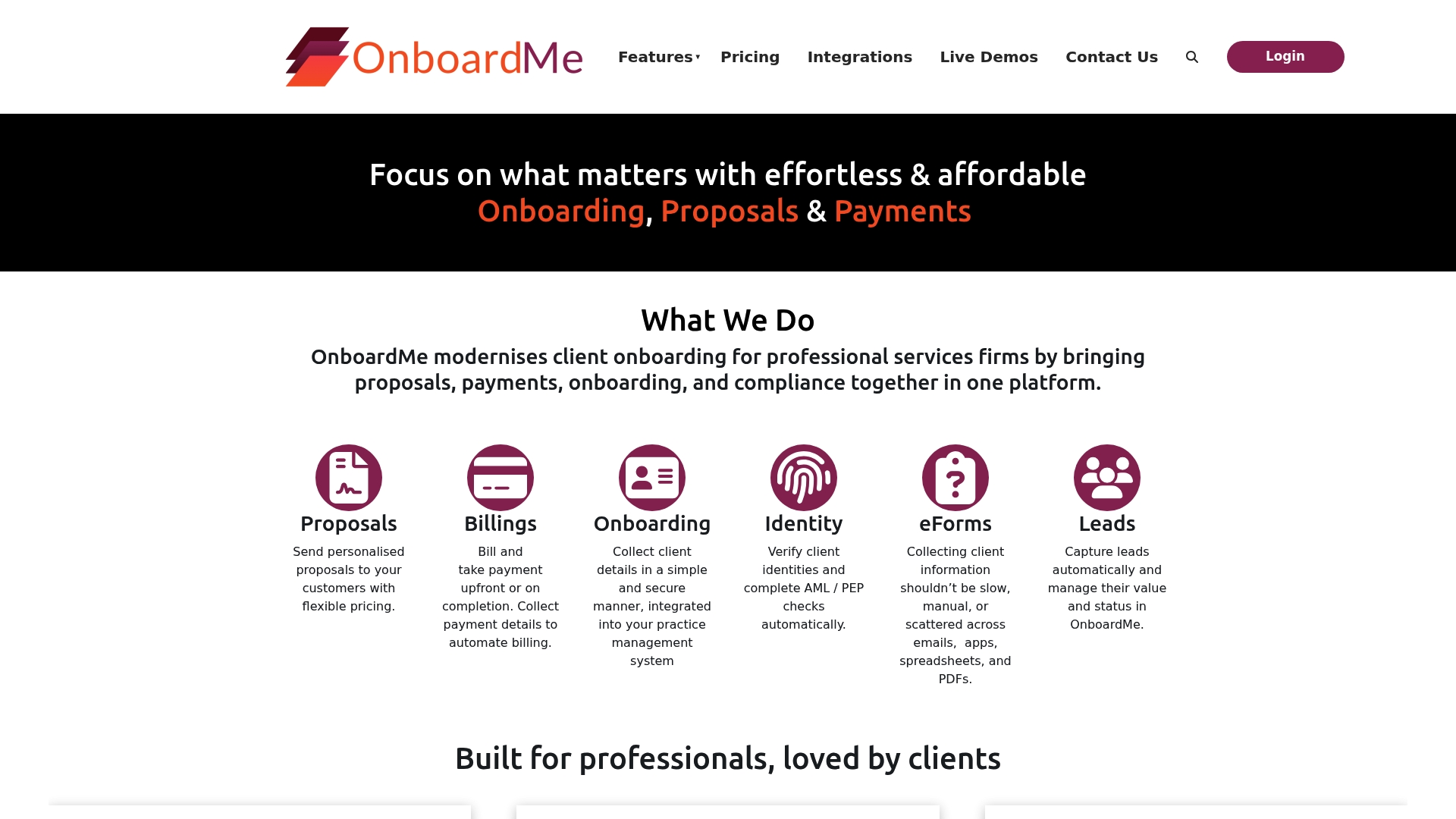
Plans start at AUD 59/month, with Starter through Enterprise tiers and optional setup fees. The product combines proposals, payments, onboarding, and compliance into a single platform aimed at professional services. That configuration targets accountants, bookkeepers, and consultants who want fewer administrative handoffs and faster client activation.
Core features
- Proposals with flexible pricing and custom branding that let firms send service offers and collect approvals.
- Billing and payment automation, including Stripe support for recurring and one-time invoices.
- Secure client onboarding forms for collecting documents and client data.
- Identity verification and AML checks to meet compliance requirements.
- Lead capture, internal checklists, approval workflows, and an open API for custom integrations.
Key differentiator
OnboardMe centralizes proposals, payments, onboarding, and compliance in one system that integrates with practice management software. That focus narrows the product to firms that need both client-facing proposals and behind-the-scenes verification. Firms already using Xero Practice Manager or QuickBooks will find the data flow between systems convenient.
Pros
- Highly responsive customer support. The vendor lists fast support and user feedback praises helpful responses during setup.
- Intuitive interface and easy implementation. Teams report short ramp time for proposal and form templates.
- Integrated document and data management reduces separate storage needs. Proposals, forms, and verification sit in one place for easier audits.
- Flexible plans and a free trial. The pricing tiers let small firms test the platform before committing.
- Built-in compliance checks. Identity verification and AML tools reduce manual review work for regulated engagements.
Cons
- Occasional technical glitches such as upload failures and choppy video playback reported by users. Those issues interrupt client interactions at times.
- Login problems on mobile devices affect some users. Mobile access feels inconsistent according to feedback.
- Some users raise billing transparency concerns. The vendor’s fee structure and one-time setup charges may need close review.
- Limited public detail on advanced customization. Large firms seeking deep UI or workflow changes may find documentation thin.
When it may not fit
If your firm requires extensive UI customization or highly specialized workflow engines, OnboardMe may feel limiting. Large enterprises with complex single sign on requirements should verify mobile stability first. Teams that prefer separate best-of-breed tools for proposals and payments might not gain cost advantages from a single vendor.
Notable integrations
- Xero Practice Manager
- QuickBooks
- MYOB
- Stripe
- Annature
- Lodgeit
- Microsoft 365
- GreatSoft
Who it’s for
OnboardMe fits professional services firms that want a single place for proposals, client onboarding, and payment collection. Ideal users include accounting firms, bookkeeping practices, and consultants who need verification and billing tied to client intake. Smaller teams that want a quicker setup benefit most from the Starter and Pro plans.
Real world use case
An accounting practice used OnboardMe to replace emailed proposals and manual ID checks. They sent branded proposals, ran identity checks automatically, and collected the first payment through Stripe. That change cut back-and-forth and reduced time to accepted engagement.
Pricing
Pricing starts at AUD 59/month with Starter, Pro, Ultimate, and Enterprise tiers. The vendor offers discounts for annual billing, optional setup packages, and a free trial for teams that want to test features before purchasing.
Website: https://onboardme.app
Cflow
At a glance
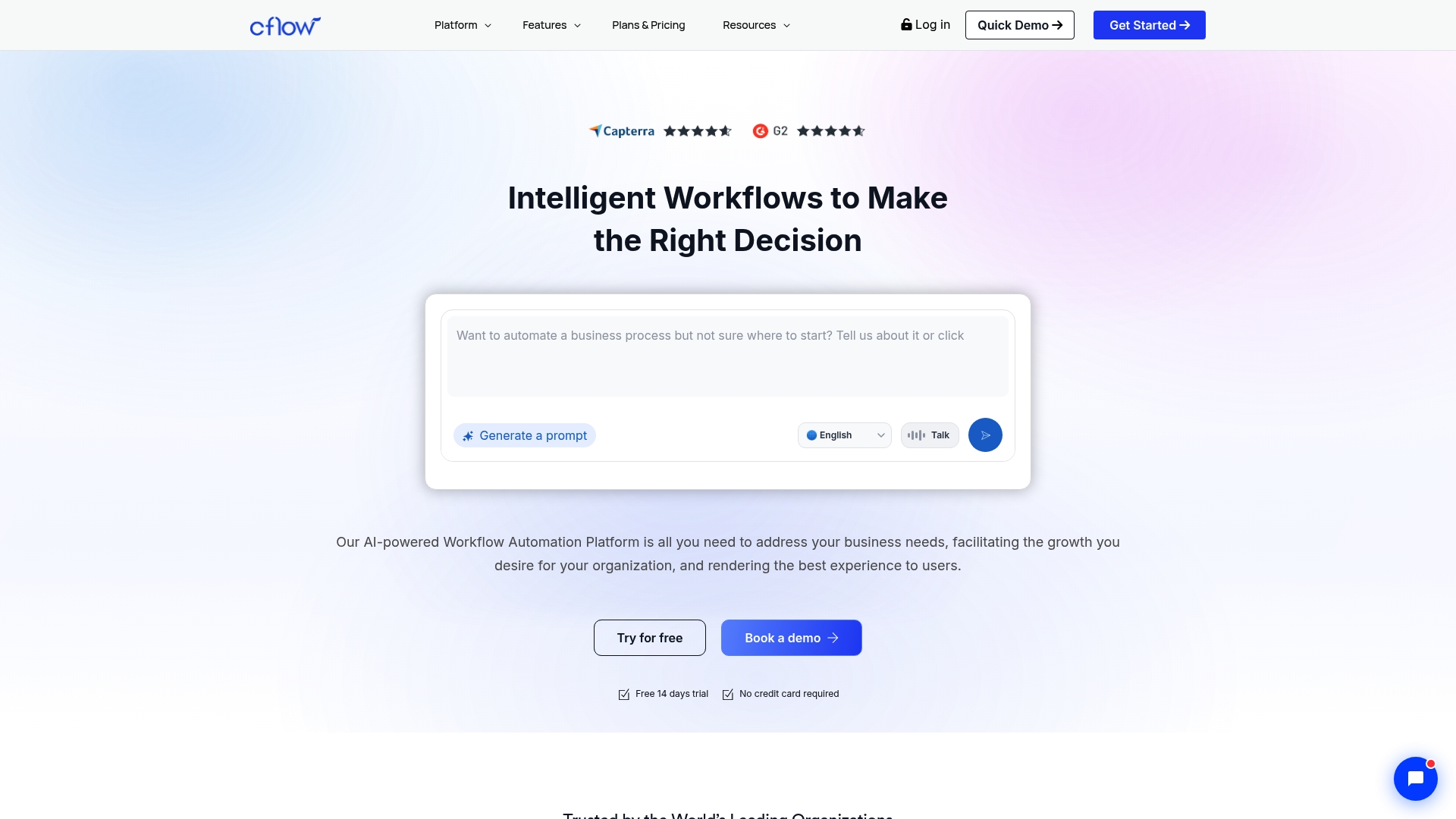
The vendor advertises integrations with over 2,000 apps, including Microsoft 365, Google Workspace, Zapier, and Salesforce. Cflow pairs a visual, no code workflow builder with AI features for document extraction and compliance checks. The product targets approval workflows across HR, IT, Finance, and Procurement. That mix aims to speed approvals and increase visibility without heavy IT involvement.
Core features
- Visual workflow builder that uses drag and drop to map approvals and routing.
- Custom form and document design for collecting structured inputs and attachments.
- Automated routing and approvals with conditional logic and role based permissions.
- Seyarc AI for document extraction and compliance checks to reduce manual review.
- Real time dashboards, analytics, and audit trails for tracking process status.
Key differentiator
Cflow combines a visual builder with AI powered document validation and a very broad integration catalog. The combination allows teams to design and deploy workflows quickly. The integrations claim above lets teams connect common apps without building custom middleware. That focus suits operations teams who need low code setup and external app connectivity.
Pros
- User friendly setup speeds initial deployment. Teams can build simple approvals without coding.
- Flexible approval workflows support conditional routing and multiple approvers. This adapts to departmental rules.
- Wide integration support reduces the need for custom connectors when linking CRM, file storage, or collaboration tools.
- AI features help extract fields from documents and flag compliance issues. That can cut manual validation time.
- Real time dashboards and audit logs give visibility for auditors and managers tracking approvals.
Cons
- The available material lists few third party user critiques. That limits independent insight into longer term user experience.
- Highly customized workflows may still require training for non technical staff. Complex logic can get dense.
- The vendor summary does not show a clear free tier or disclosed pricing. That makes budget planning harder.
When it may not fit
Cflow may not fit teams that need embedded time tracking or billing features. Organizations that require intensive developer customization may prefer a platform with a published developer ecosystem. Small teams on tight budgets may find the lack of transparent pricing a barrier to trialing the product.
Notable integrations
- Google Workspace
- Microsoft 365
- Zapier
- Salesforce
- HubSpot
- Slack
- Google Drive
- SharePoint
Who it’s for
Cflow fits organizations that want a no code way to replace manual approval forms and email loops. It works for HR, Finance, Procurement, and IT teams that need audit logs and role based approvals. The product suits companies that plan to connect existing cloud apps without building connectors from scratch.
Real world use case
According to the vendor, a multinational firm standardized its CapEx approval process with Cflow, saving hundreds of thousands annually and cutting decision cycles from weeks to days. That example shows how automated routing, form validation, and audit trails can shorten approvals and reduce rework.
Pricing
Plan and pricing details are available on the vendor website. The vendor advertises tiered plans for startups, SMBs, and enterprises, but specific costs are not disclosed in the provided summary. Contact sales or request a demo to get exact pricing for your scale.
Website: https://cflowapps.com
Virtus flow
At a glance
Virtus Flow includes AI agents and bots plus a set of industry specific templates for banking, healthcare, manufacturing, and IT services. The product targets medium and large organizations that need deep process automation without writing code. It pairs visual workflow builders with integration options and enterprise grade security.
Core features
Virtus Flow focuses on business process automation with a visual, no code builder that nontechnical staff can use. It supports complex forms and app creation, letting teams build multistep processes and approval flows. The platform exposes an Open API and connectors for integrating legacy systems and third party apps.
- Business process automation for multi department workflows.
- Create complex forms and apps quickly from templates.
- AI agents and bots to automate decision steps and routine tasks.
- Support for industry specific templates in banking, healthcare, and manufacturing.
Key differentiator
Virtus Flow claims a level of no code complexity that lets nontechnical users automate intricate enterprise processes while still offering detailed customization. That focus favors organizations that must tie workflows into core systems and apply role based access control. Compared with Teameasyflow, Virtus Flow serves larger organizations needing heavy integration and customization rather than low friction external collaborator flows.
Pros
- Very powerful capabilities for no code automation. The product targets complex enterprise processes rather than simple task lists.
- Flexible integration options via open API and connectors. That helps link CRM, core banking, and on prem systems.
- Industry specific templates reduce setup time for sectors such as banking and healthcare. Templates include common process steps and forms.
- Strong access control and security features aimed at enterprise deployments. Role based access control is part of the platform.
- Vendor offers tailored solutions and professional services for larger deployments. That supports organizations with complex requirements.
Cons
- No independent third party user reviews are available to validate vendor claims. That makes trust harder for new buyers.
- Pricing requires contacting sales and appears tailored to enterprise levels. Small teams may find it hard to budget.
- The platform may be overly comprehensive for teams that only need a lightweight automation tool. Adoption could demand more internal effort.
- Full adoption may require dedicated training and vendor support, increasing initial cost and time to value.
When it may not fit
Virtus Flow is a poor match for very small teams or solo operators who need a simple, low cost automation tool. If your processes are limited to single page forms and light approvals, this platform may feel heavyweight. Also avoid it if you lack internal resources for configuration and training.
Who it’s for
This product fits medium to large enterprises that require deep process digitalization with minimal coding. Typical buyers work in banking, healthcare, manufacturing, or IT service management and must connect workflows to core systems. Choose it if you need templates, integrations, and enterprise grade controls.
Real world use case
According to the company, a regional bank implemented Virtus Flow and reduced loan approval time from days to minutes by integrating the workflow with their CRM and core banking systems. That case shows the platform can replace manual handoffs and speed approvals when connectors and templates are in place. Expect vendor support during the integration phase.
Pricing
Pricing is available by contacting sales and starts at enterprise level packages. Plans are quoted as custom deals rather than fixed public tiers. That model suits organizations that need tailored deployment and pricing but complicates comparison shopping for smaller buyers.
Website: https://virtusflow.com
Moxo
At a glance
Moxo provides SDKs and embeddables that let teams turn apps and websites into integrated process hubs with enterprise controls. The platform blends human decision points with automated workflows and AI assistance for validation and routing. That mix targets organizations that need tight audit trails and security while embedding processes inside customer facing applications.
Core features
Moxo offers Workflow design and templating to model multi party processes and reuse standard flows. It includes AI agents for preparation, validation, routing, and nudging inside a workflow. The product supports role based permissions and security controls with process tracking and full audit trails. Moxo also exposes APIs, webhooks, and SDKs for iOS, Android, and web embedding to connect external systems.
Key differentiator
Moxo combines AI driven automation with granular role based control at enterprise scale. The platform focuses on embedding process controls inside apps and portals, not just tracking tasks. Compared with Teameasyflow, Moxo is better suited when you need heavy compliance, SDK embedding, and complex permissioning rather than low friction external collaborator access.
Pros
-
Excellent support responsiveness. Users report quick replies and hands on help for onboarding and integration projects.
-
Strong document signing capabilities. DocuSign integration and native signing reduce back and forth on approvals.
-
Effective mobile application experience. The mobile client performs well for field teams and client interactions.
-
Customizable portal for client communication. Teams can white label or embed portals to consolidate client journeys.
-
Good for consolidating client journeys. Moxo centralizes messages, forms, and documents under a single process view.
Cons
-
Frustrating customer service experiences reported by some users. Inconsistent service can slow initial setup and troubleshooting.
-
Billing and payment discrepancies have surfaced. Several accounts mention invoices that required manual correction.
-
Missing quality of life features. Users note small UX gaps that add friction to daily use.
-
Interface issues like small buttons on certain screens. That affects usability for nontechnical stakeholders.
When it may not fit
Moxo may not fit teams that need the least possible friction for external contributors. If your priority is letting third parties act without creating accounts, a product built around magic links may be a better match. Organizations that require rapid, out of the box low touch onboarding for many external users should evaluate that trade off against Moxo’s enterprise control features. Persistent customer service issues can also delay internal adoption.
Notable integrations
- Salesforce
- DocuSign
- Slack
- ERP systems
- CRMs
Who it’s for
Large organizations that need customizable, secure process orchestration with embedded controls and APIs. Typical buyers include professional services firms, financial institutions, and healthcare groups that must preserve audit trails and enforce role based workflows. Teams that own customer journeys end to end and require on premises or hybrid deployments will find the platform more aligned to their needs.
Real world use case
WebWare uses Moxo to amplify digital marketing operations by embedding client onboarding flows into its client portal. The team automated document collection, routing, and approval while keeping branded client interactions inside WebWare’s site. That reduced the number of tools clients must visit and kept audit logs centralized.
Pricing
Pricing varies from free tiers up to custom enterprise plans based on features, volume, and deployment options. The vendor offers both cloud and on premises choices, with enterprise packages quoted per account and scope. Expect tailored quotes for heavy integration or embedding projects.
Website: https://moxo.com
Comparison of alternatives
Evaluating onboarding automation tools highlights diverse applications across industries and workflows, showcasing unique advantages inherent in each platform.
Supporting external participant collaboration
Teameasyflow.com stands out for allowing external parties to engage in workflows without needing to create system accounts, supported via secure magic links. For instance, HR teams managing candidate onboarding or procurement teams coordinating with suppliers can bypass client logins entirely, ensuring smoother adoption. Conversely, platforms such as Projetly and OnboardMe, while in their feature set, require participants to engage more through traditional system interfaces, which may introduce complexity when coordinating with external stakeholders.
Focused engagement tracking and insights
Projetly distinguishes itself by offering features for buyer engagement tracking, such as AI-driven sentiment analysis and token reward systems. These allow revenue teams to gain insights into client interactions, boosting decision-making during onboarding processes. This deep engagement focus contrasts with Teameasyflow.com’s emphasis on workflow execution, presenting Projetly as a valuable alternative for sales-oriented industries relying on user engagement analytics.
Best fit
- For teams aiming to manage external collaboration workflows efficiently while ensuring user-friendly operations, Teameasyflow.com provides a solid option.
- Companies prioritizing AI-driven buyer engagement insights will find value in tools like Projetly, which offers advanced analytical capabilities.
- OnboardMe serves firms integrating client proposals and compliance measures into their onboarding processes, enhancing convenience.
- Organizations requiring deep customization or industry templates, such as those found in Virtus Flow, will appreciate the tailored offerings suitable for large-scale enterprises.
Our pick
Teameasyflow.com excels in environments requiring frictionless communication with external participants. Its standout feature, enabling collaboration without account creation, simplifies workflows significantly. While it aligns well with most process automation needs, industries needing advanced AI tracking or specialized templates may benefit more from alternative solutions. Still, for external-involved workflows demanding scalable simplicity, teameasyflow.com remains a reliable choice.
For teams exploring onboarding automation platforms, consider comparing key features and offerings among the leading solutions.
| Product | Key Differentiator | Best For | Pricing | Notable Limitation |
|---|---|---|---|---|
| Teameasyflow | Automated workflows that don’t require user accounts for involvement | Teams needing external collaboration | Free plan, Pro $37/month, Scale $149/month | Limited for highly complex or custom legacy integrations |
| Projetly | Deal engagement tracking with token rewards for buyer participation | Sales teams managing complex deals | From $19/month | Limited third-party reviews validating product claims |
| OnboardMe | Unified system combining proposals, payments, and onboarding | Professional services firms | From AUD 59/month | Reported technical glitches disrupting user interactions |
| Cflow | No-code workflow creation paired with AI-powered compliance checks | HR, Finance, Procurement approvals | Not disclosed | Pricing and trial options are not transparent |
| Virtus Flow | Enterprise-grade no-code tools and industry-specific templates | Large organizations with complex needs | Enterprise pricing by quote | Overwhelming for simple use cases |
| Moxo | SDK for embedding workflows directly into external applications | Organizations embedding process hubs | Free to enterprise-tier pricing | Complexity may deter teams wanting rapid, low-touch setups |
Find a smarter Getonboardflow.com alternative with Teameasyflow
Managing processes that involve multiple external collaborators can feel overwhelming when team members must create accounts just to participate. This common friction point slows down onboarding and wastes valuable time chasing task completions. Teameasyflow addresses this challenge by automating workflows end to end and allowing external partners to act through magic links—no account creation needed. That means faster execution, fewer missed steps, and less manual follow up.

If you are evaluating getonboardflow.com alternatives focused on reducing onboarding friction and accelerating workflow completion, explore how Teameasyflow can transform your processes. Visit Teameasyflow now and see how to empower external collaborators to complete workflow steps instantly without signing up. Try automating a client onboarding or vendor approval workflow today to save hours spent on manual coordination.
FAQ
How does Teameasyflow simplify external collaborator onboarding?
Teameasyflow allows external collaborators to complete workflow steps without creating accounts. This feature significantly reduces onboarding friction for vendors, clients, and contractors, making the process easier for everyone involved.
What is the difference between projetly and Teameasyflow in handling buyer engagement?
Projetly excels at providing deep insights into buyer engagement through automated sentiment analysis and tracking. In contrast, Teameasyflow is designed for automating internal processes and advancing workflows without requiring user accounts for external participants. This allows Teameasyflow to focus on internal task execution rather than external engagement metrics.
Which platform offers more flexible onboarding templates, Teameasyflow or OnboardMe?
Teameasyflow offers pre-built templates specifically designed for onboarding, client implementations, product launches, and compliance reviews, making it easy to get started with common operational processes. OnboardMe also provides templates but focuses more on proposals and compliance features for professional services.
Can i use Teameasyflow for highly customized workflows?
Teameasyflow is ideal for straightforward processes but may not be the best choice for extremely complex or highly customized workflows that require extensive legacy integrations. If your workflow relies on heavy bespoke logic, other platforms might serve you better.
What makes teameasyflow’s pricing model appealing for small teams?
Teameasyflow offers flexible plan options, including a free tier, allowing small teams to start without financial commitment and scale up as needs grow. This pricing strategy makes it accessible for businesses in early stages or with limited budgets.